Group league
A complete guide to running league competitions with a group stage: creating seasons with group settings, assigning participants to groups, managing promotions and relegations, and the ranking system.
A group league divides participants into separate groups, within which everyone plays against everyone else. It is classic round-robin, but contained within each group rather than the full field. After each round, participants can be promoted or relegated between groups, which keeps the competition active throughout the entire season.
Creating a league follows the same path as any other format: go to the League menu, select Create a new league, enter the league name, sport, category and choose group system as the competition format. The returning players option works the same way as in the Swiss league and is especially recommended when you have a regular group of participants.
Creating a league

When creating a season, several settings appear that are specific to the group format. The first is the group points difference, a threshold that determines how wins and losses are counted when building the standings within each group. The next option covers promotions and relegations: you can choose whether participants move between groups after each round and how many of them go up or down. Finally, you select the group numbering scheme, either numeric (1, 2, 3) or alphabetic (A, B, C). Scoring in this format is set by choosing a preset matched to a specific sport, such as badminton or table tennis, rather than entering parameters manually.
Creating a season with group settings

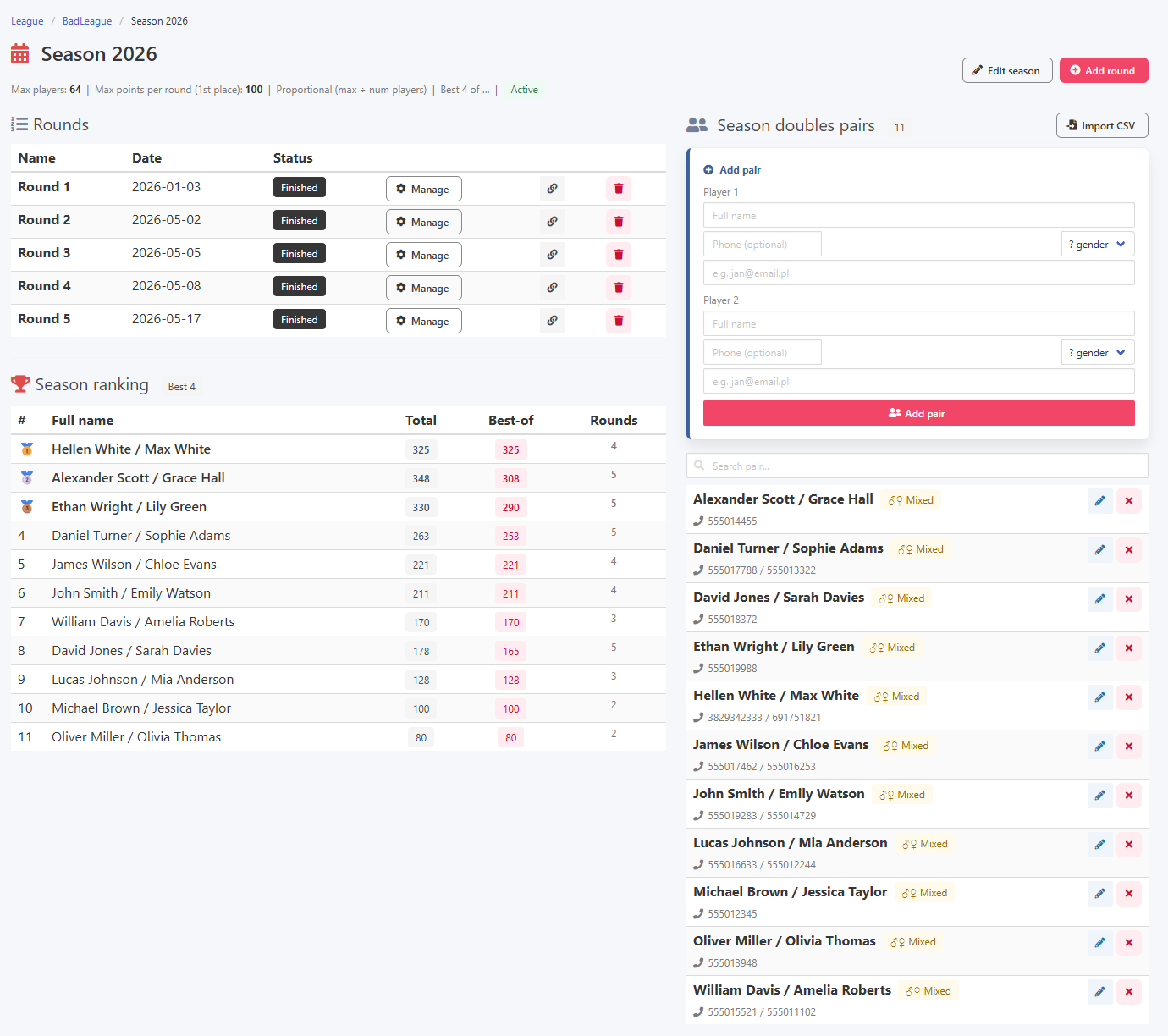
Adding rounds and the season overview work the same way as in other formats. Each round has a name and a date, and the season view shows available rounds, the ranking and the list of season participants.
Season view and adding a round


The step specific to this format is assigning participants to groups. After opening a round and adding season players to it, each player or pair shows an extra field for the group number. By entering the appropriate number or letter you place that participant in the correct group. The system flags any inconsistencies, for example when the group numbers do not form a continuous sequence starting from 1 or A.
Assigning participants to groups

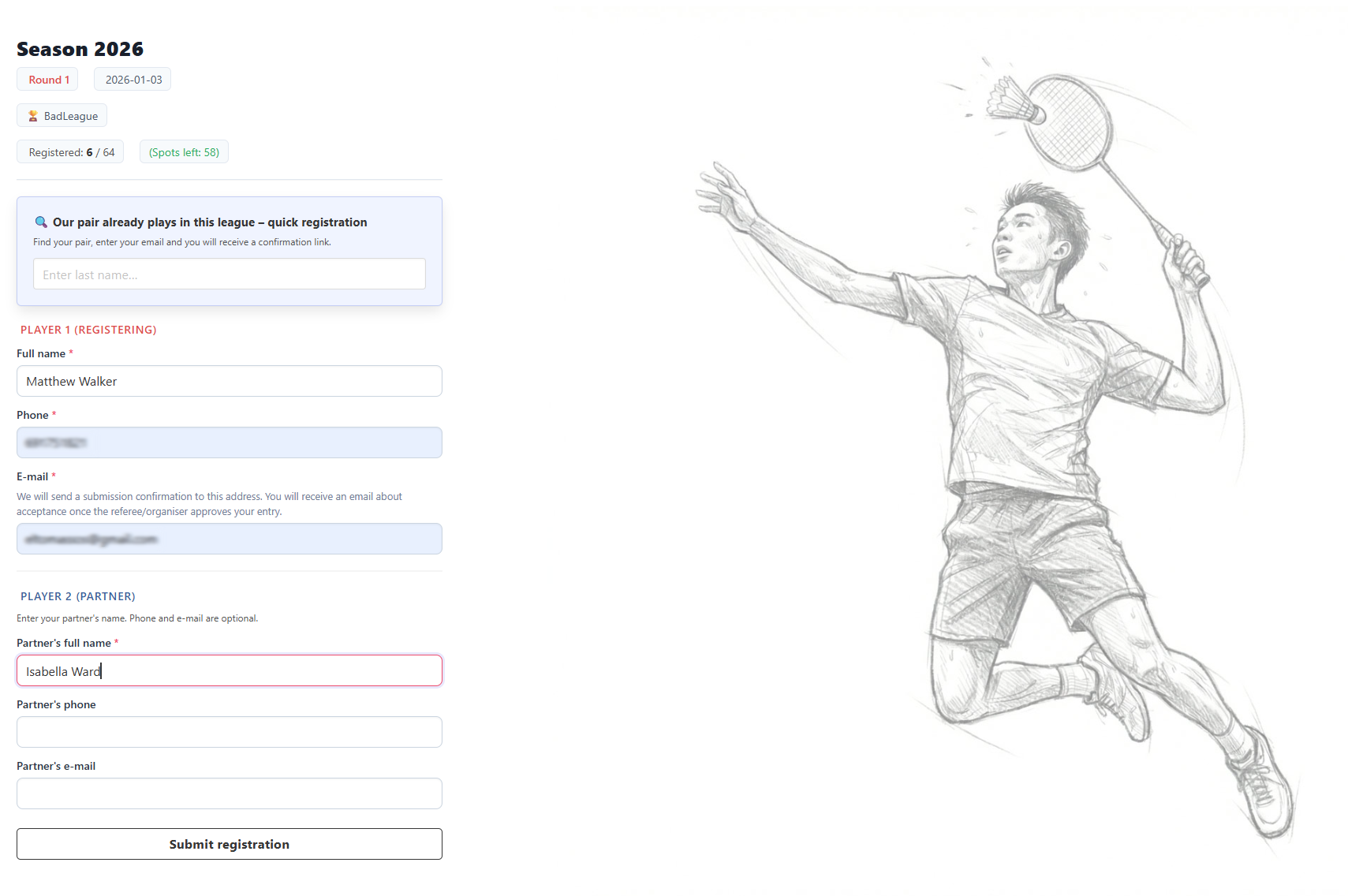
The entry form and the entire registration flow work identically to the Swiss league. Below is a recap of the basic process.
Entry form
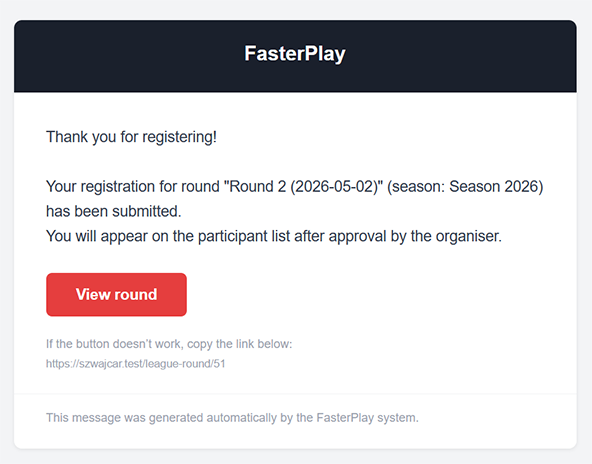
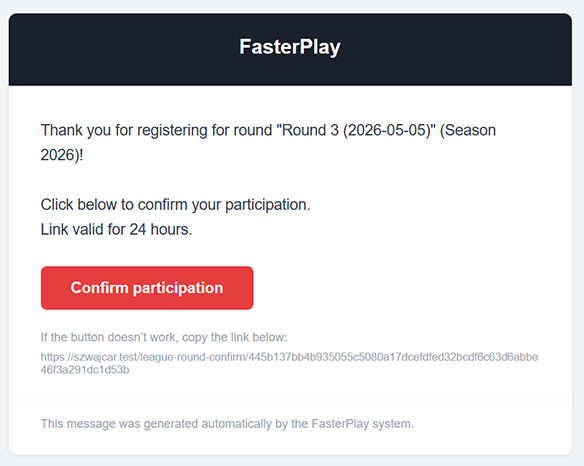
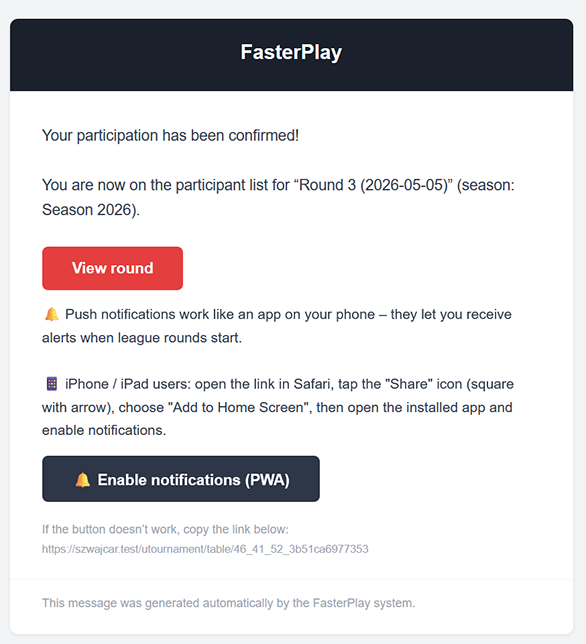
After submitting a registration, the participant receives a confirmation email. The organiser sees the new registration and once they accept it, both parties get the relevant notification.
Confirmation and acceptance emails

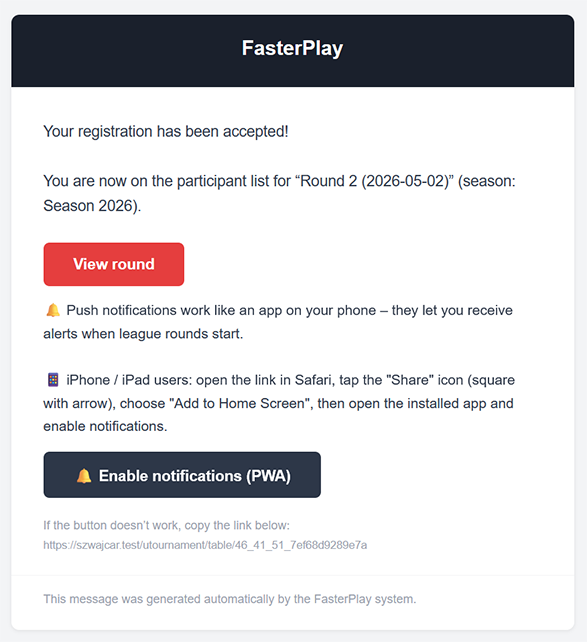
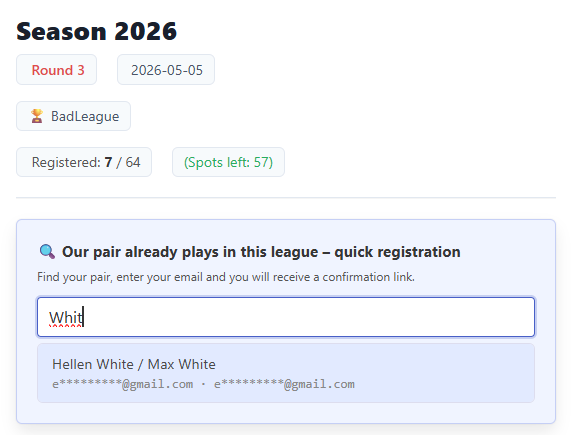
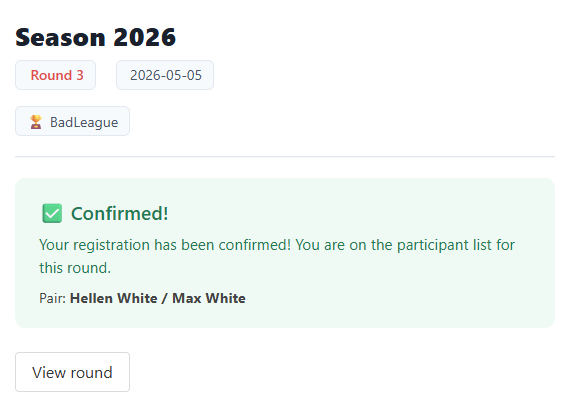
A returning participant can find their record by typing part of their name in the form, then after providing the email address from their previous registration the process runs more smoothly. If the organiser has enabled automatic acceptance, the returning participant confirms their place simply by clicking a link in the email.
Returning participant and confirmation
Once all participants have group numbers assigned and the round is ready, you launch it. The system generates matches within each group using round-robin pairing, meaning every participant plays against every other participant in their group.
Ready to launch the round

Results are entered match by match. Just as in other formats, the system validates scores in real time and flags any errors before they are saved.
Live score validation
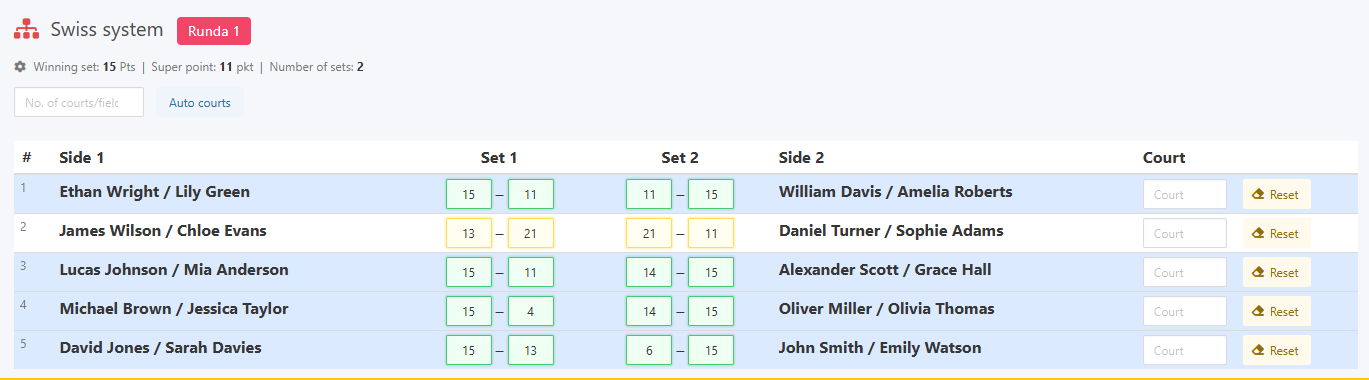
Once all matches within the groups are complete, you can move on to the next round. If promotions and relegations are enabled, each participant's name will show a marker indicating whether they are moving to a higher or lower group in the next round.
Promotion and relegation indicators and advancing to the next round

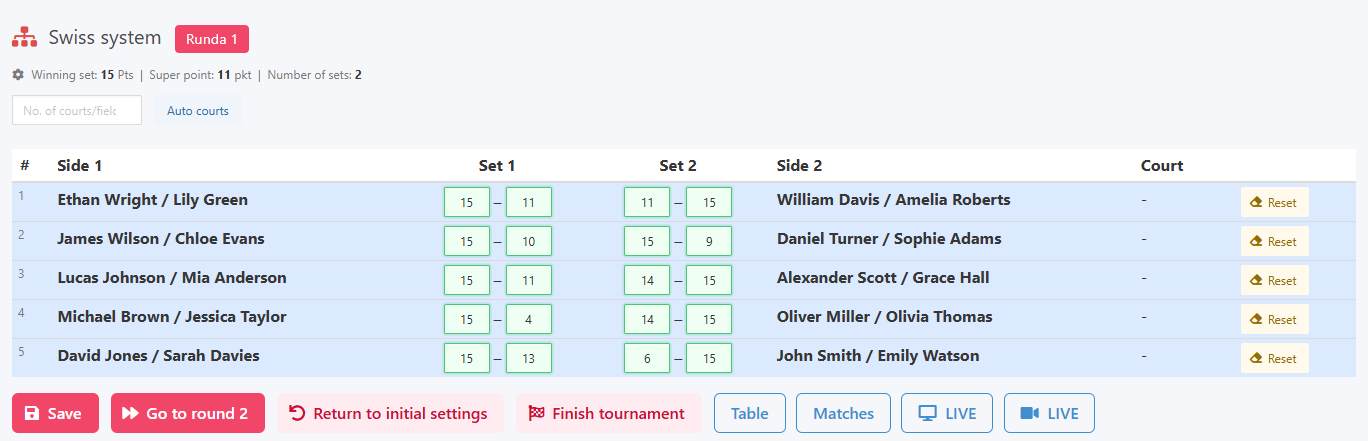
Participants can access live results via email, a QR code or a direct link.
Participant results view
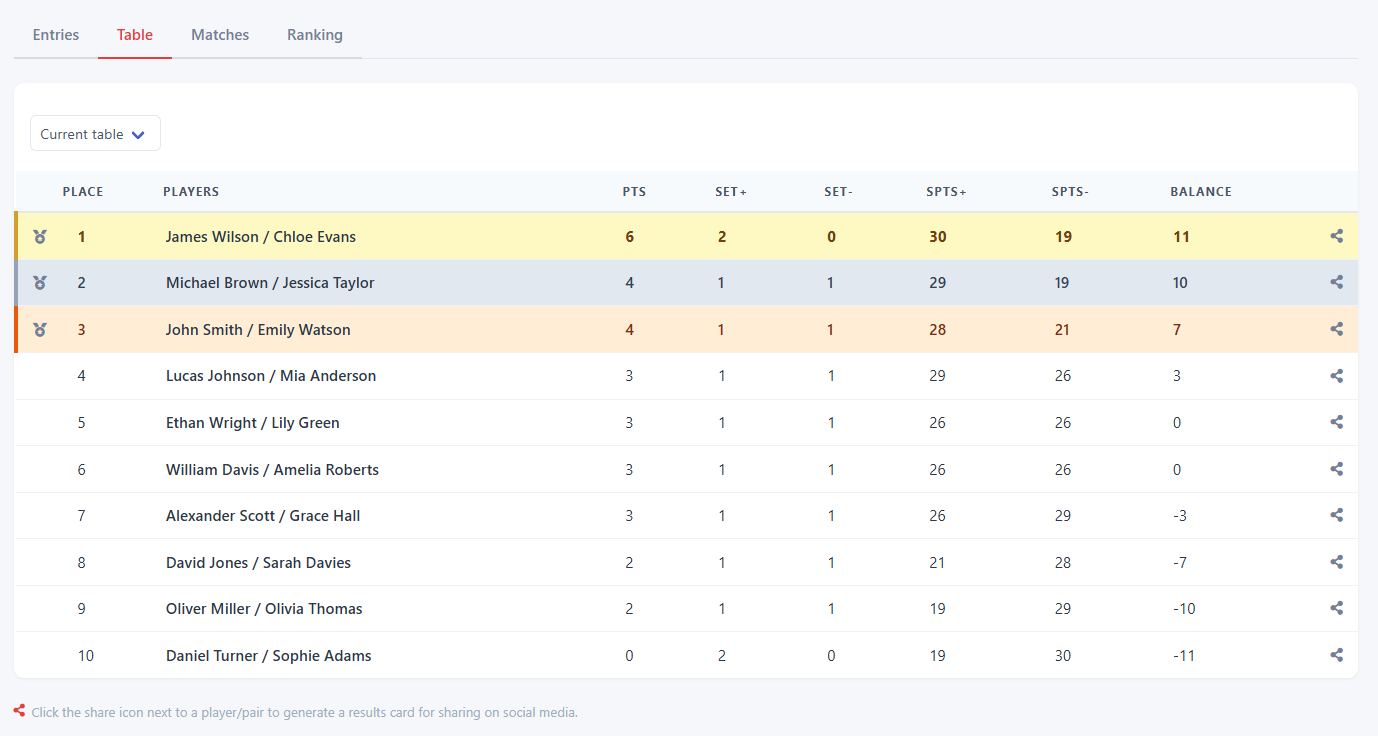
Ranking points are awarded after each round according to the settings defined in the season.
Awarding ranking points
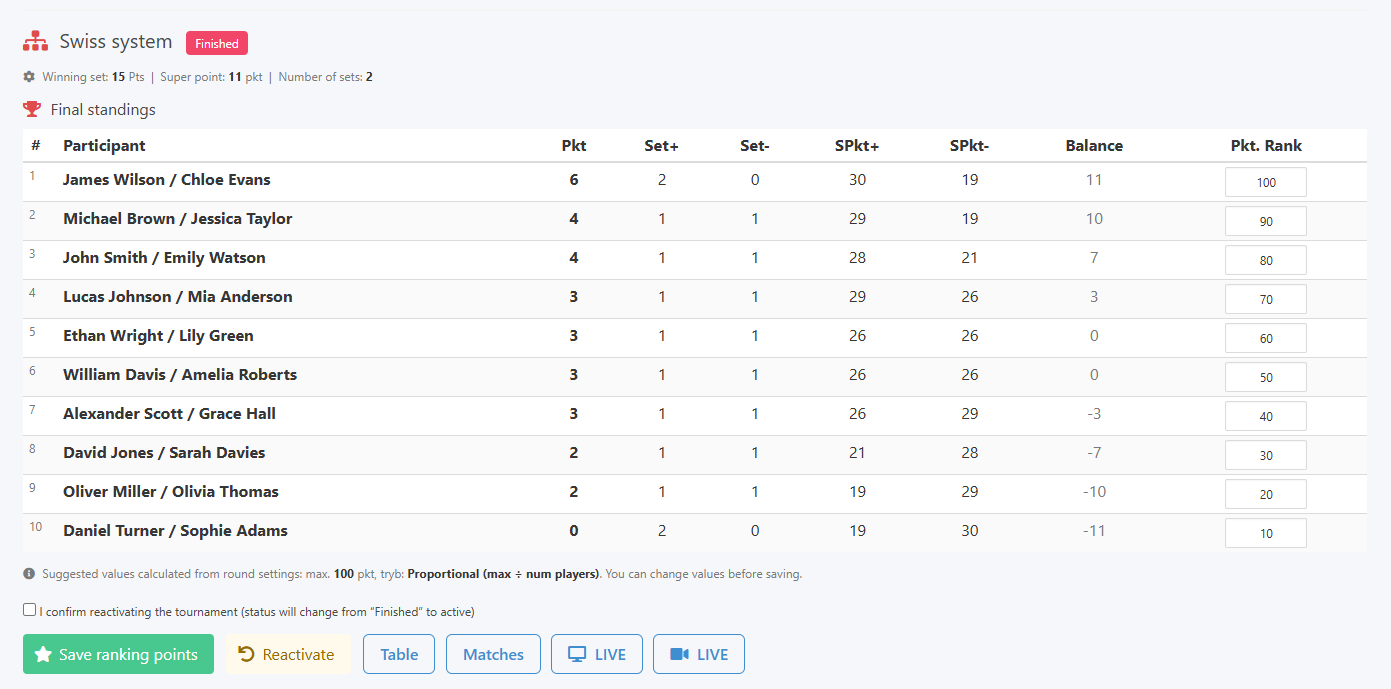
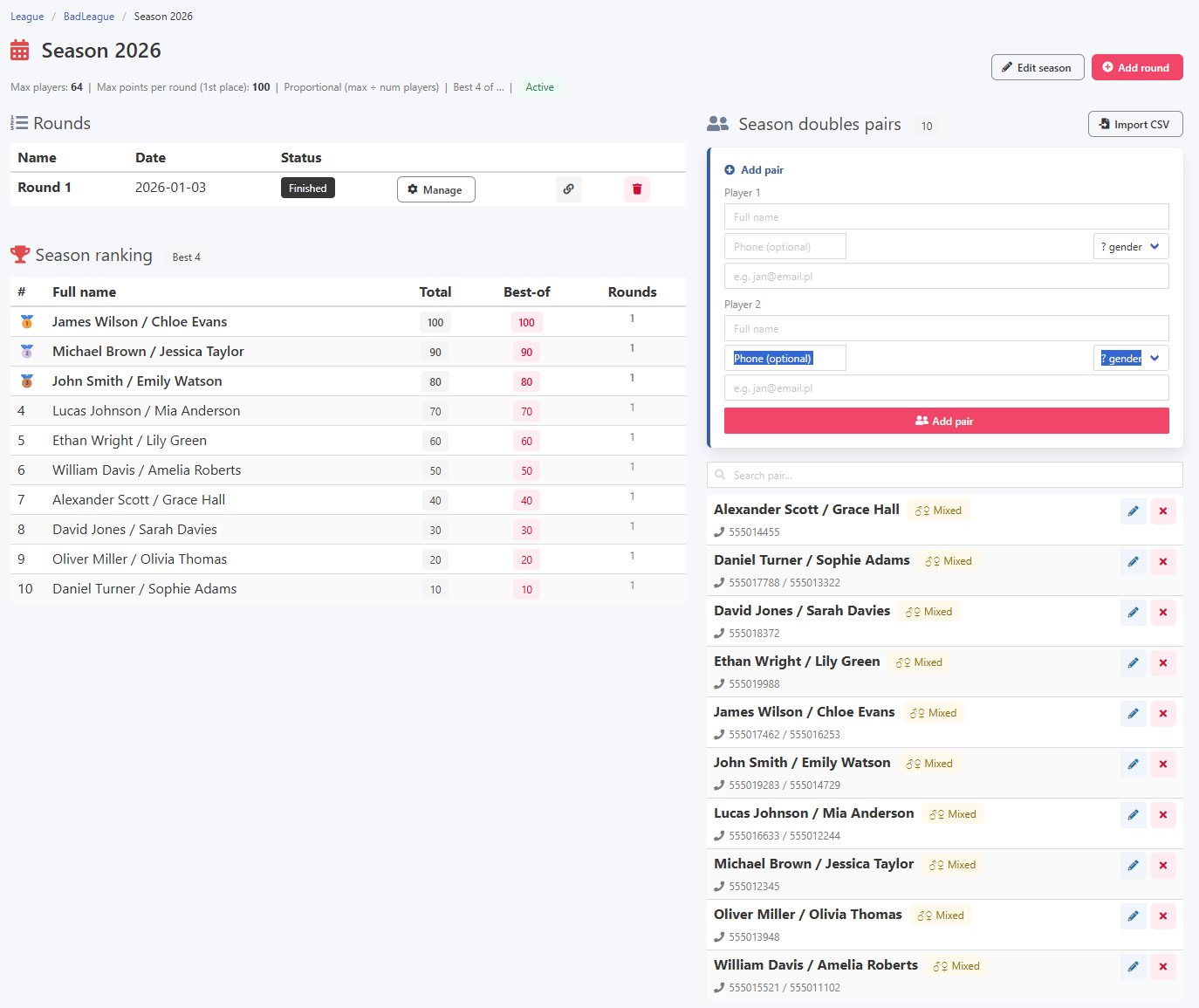
Once points are awarded, the season view shows an updated ranking table with the current standings.
Season view with ranking
The best of system works exactly as it does in the Swiss league. You can set that out of, for example, eight planned rounds only the six best results count toward the final ranking. This gives participants a buffer and encourages regular attendance even after a weaker round.
The best of mechanism in practice