Swiss system league
A complete guide to running league competitions in the Swiss system: creating seasons, managing rounds, entry forms and rankings.
A Swiss system league is, at its core, a series of Swiss system tournaments tied together into one consistent structure. That is obviously a simplification, since the league brings a number of features that open up entirely new possibilities, but let's start from the beginning.
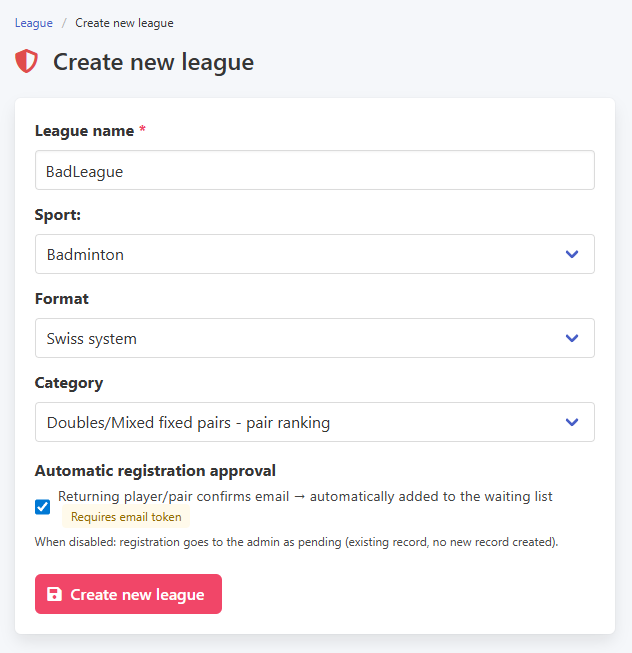
To create a league, go to the League menu and select Create a new league. You fill in the league name, choose the sport, competition format and category (doubles, singles, mixed, etc.). One feature worth highlighting here is the returning players option. This is a particularly useful tool in settings where participants already know each other well. With the checkbox enabled, a player returning to the league can add themselves to a round without any input from the organiser. We cover this in more detail further on.
Creating a league
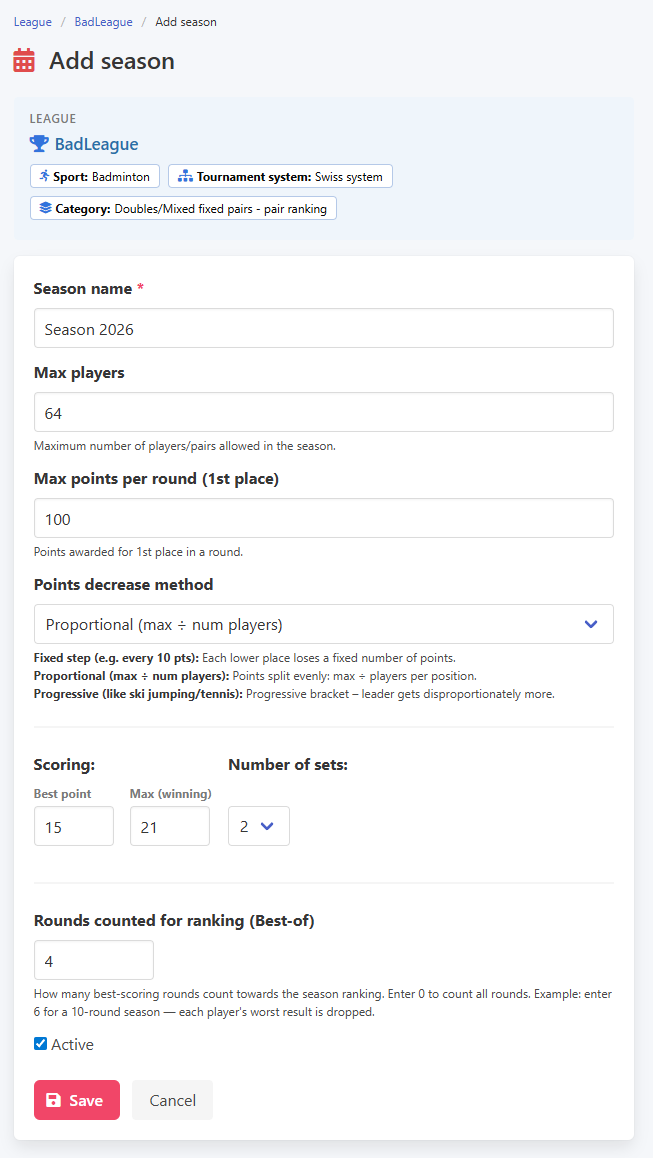
Once the league is set up, the next step is adding a season. Season settings are closely tied to the league settings. Since we are using the Swiss system, when creating the season you can configure specific parameters for this format, such as the score limit or the best point option. Pay particular attention to the best of parameter, which controls how many rounds count toward the final ranking. This is also where you define the scoring formula: how many ranking points go to the winning pair and how many to the rest.
Creating a season
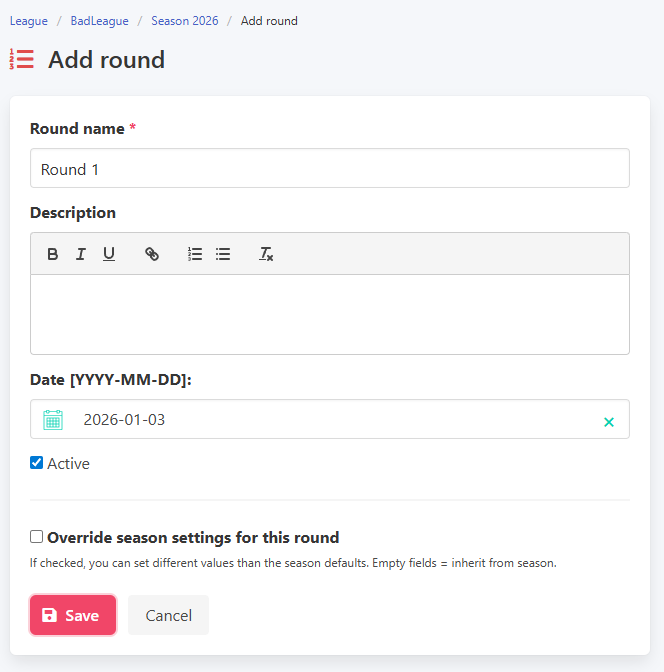
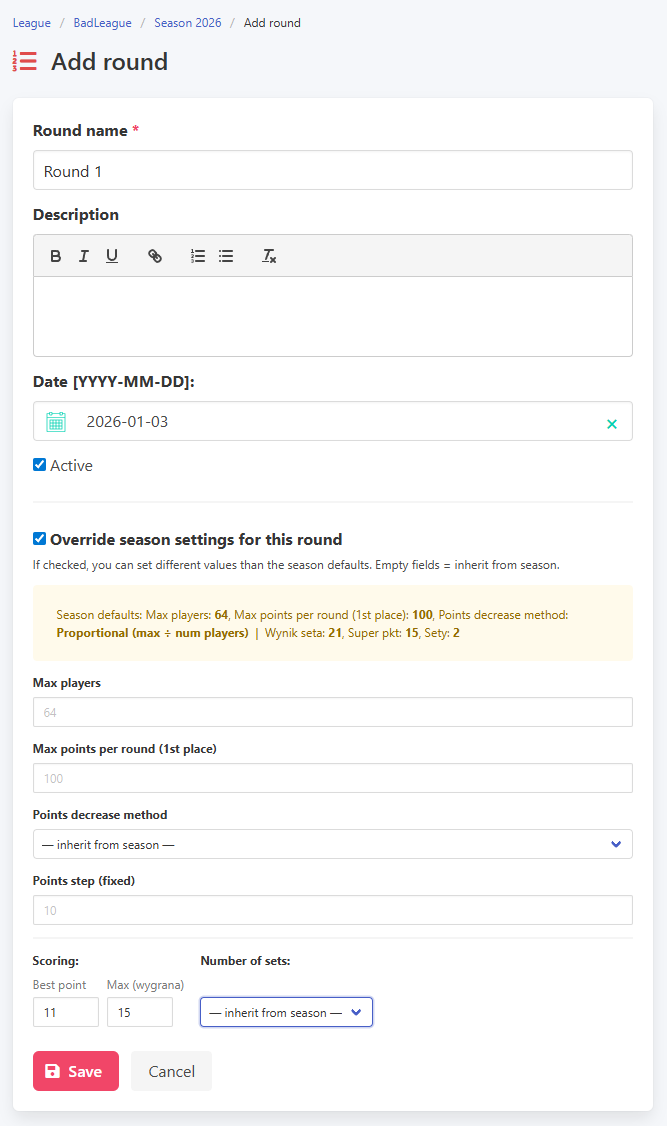
A season is made up of rounds, so the next step is adding the first one. This part is straightforward: give the round a name and set a date. It is worth knowing that you can also override the season-level settings for any individual round. For example, if the season is set to play to 21, you can configure a specific round to play to 15 instead.
Adding a round and overriding settings
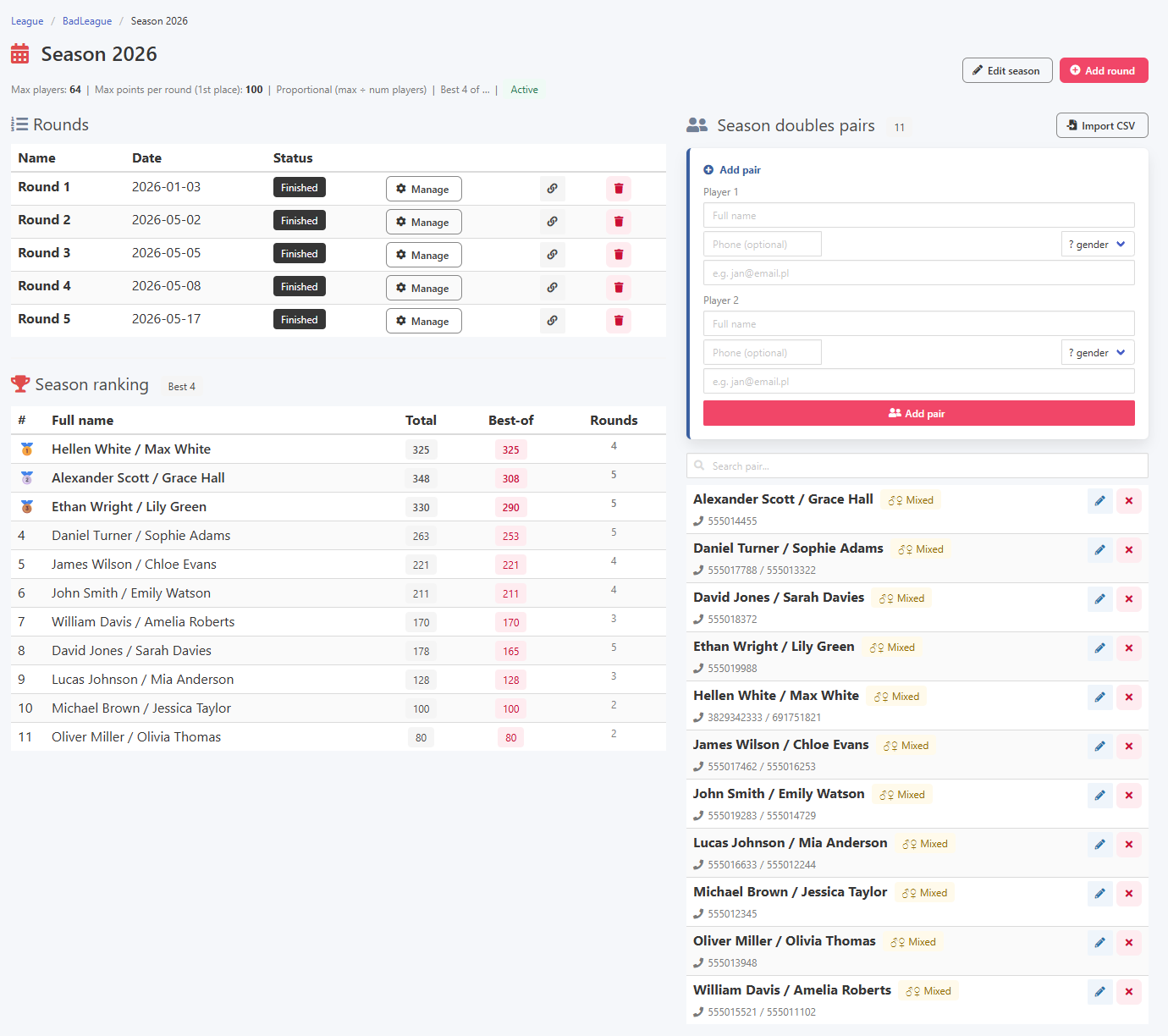
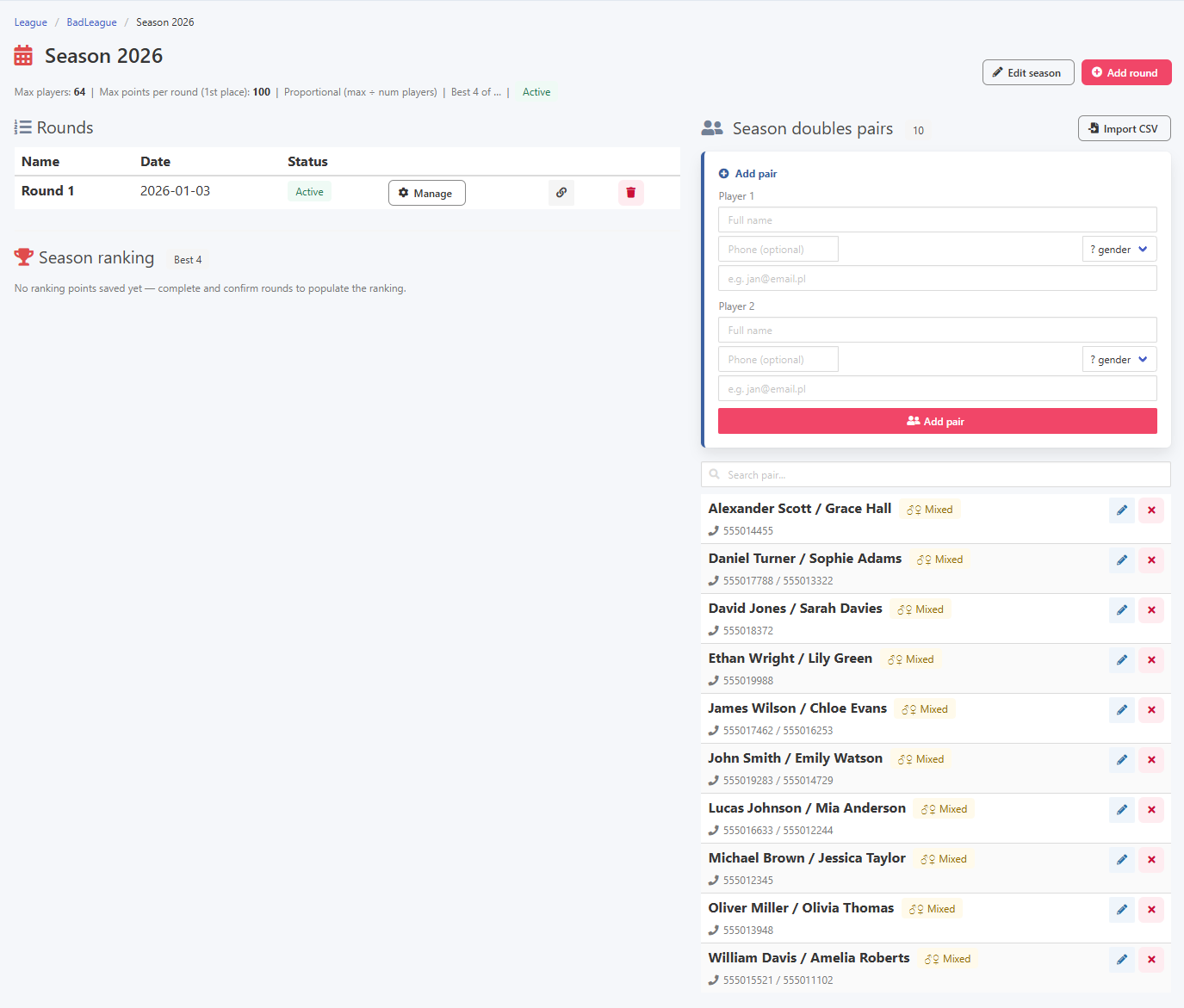
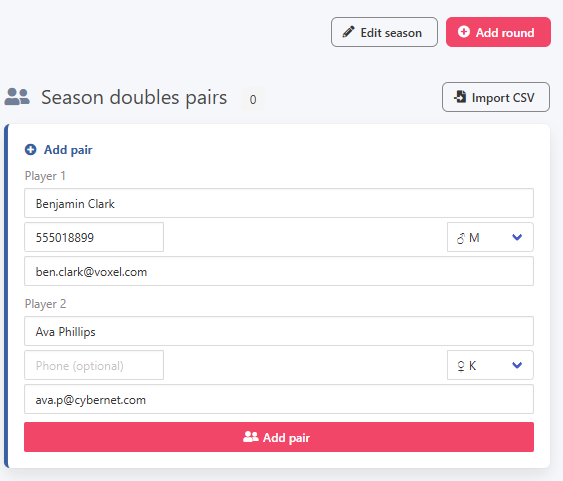
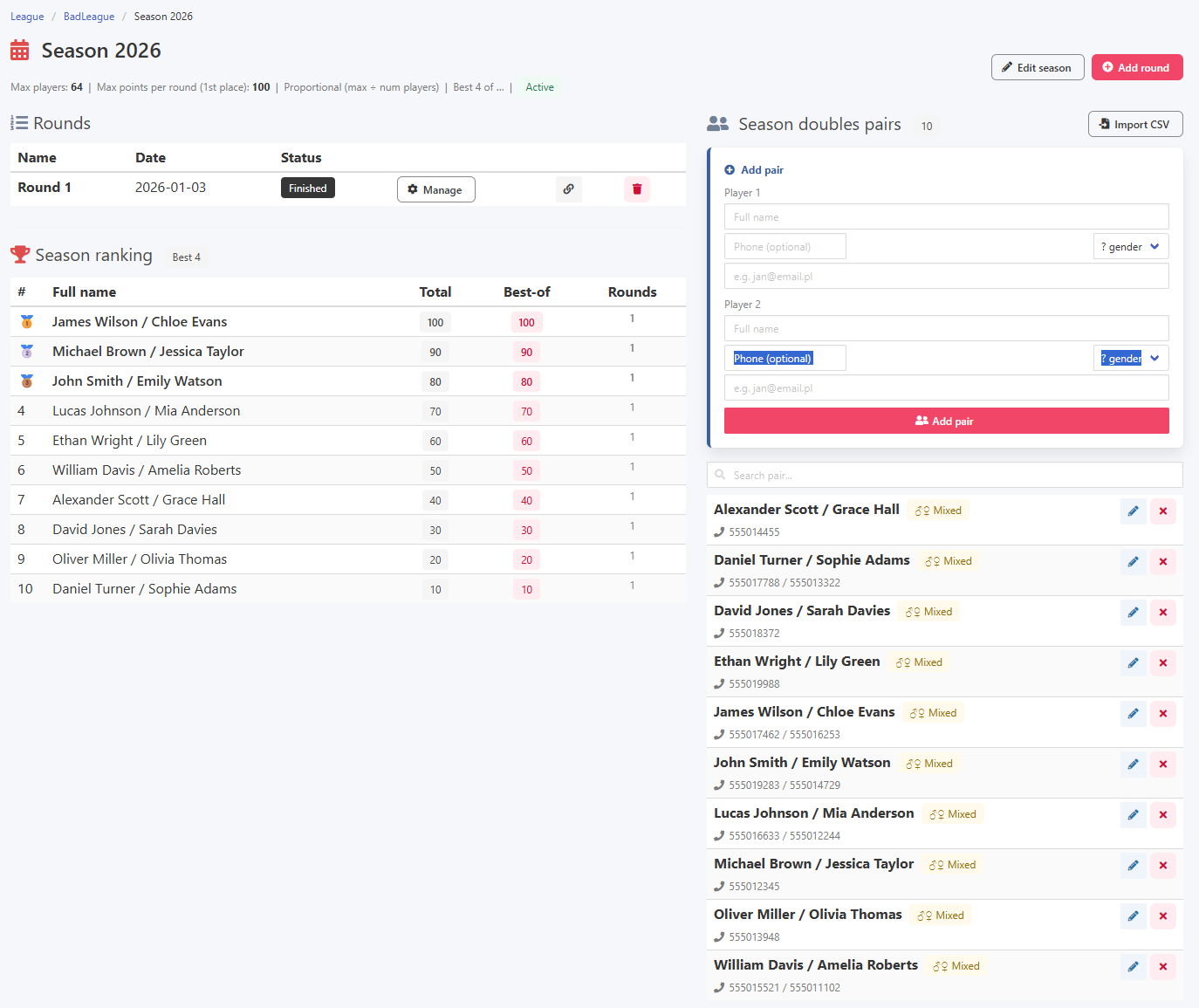
The season view is divided into three sections: available rounds, the ranking, and the list of seasonal players. You can also add new participants to the season directly from this view.
Season view and adding a seasonal player
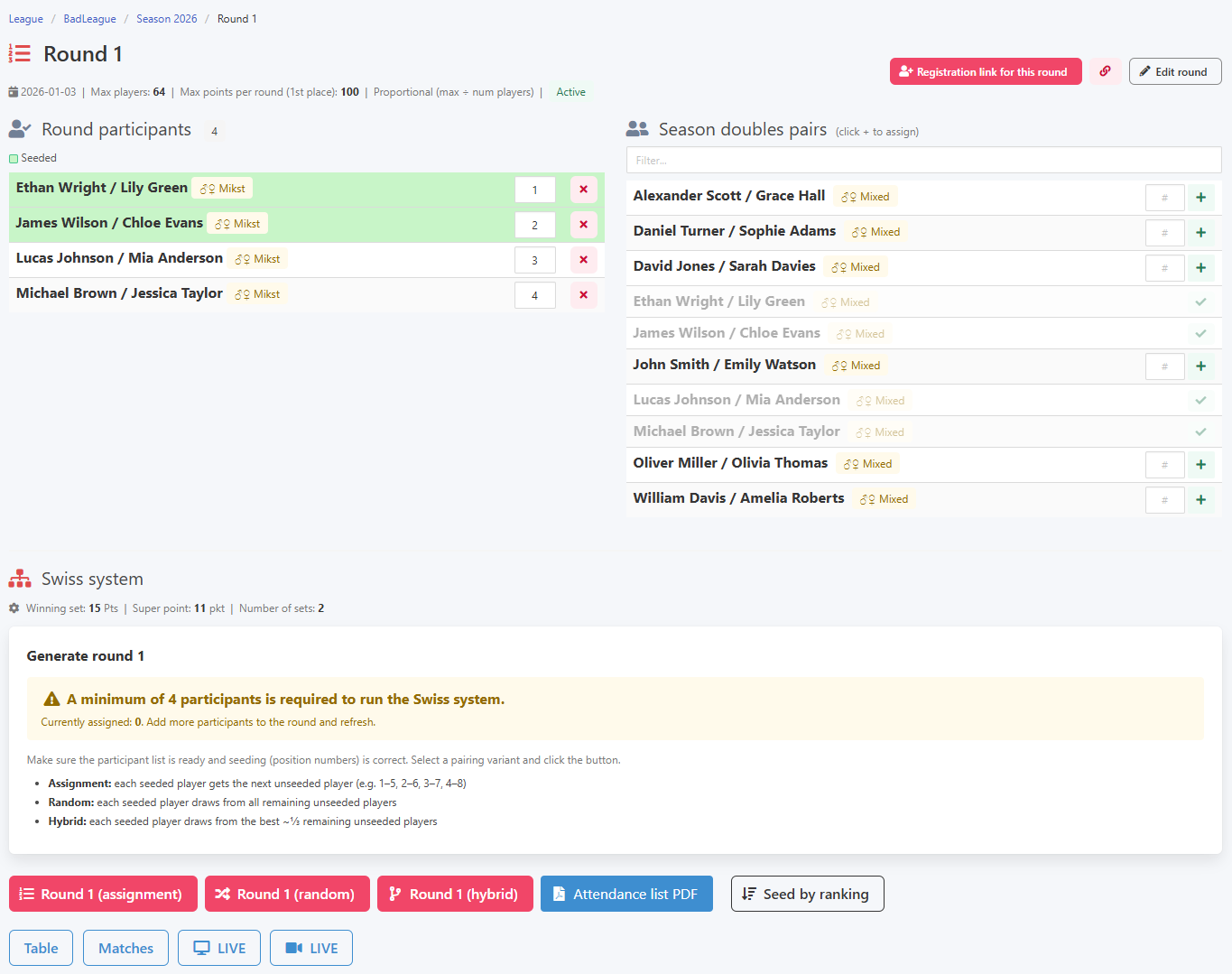
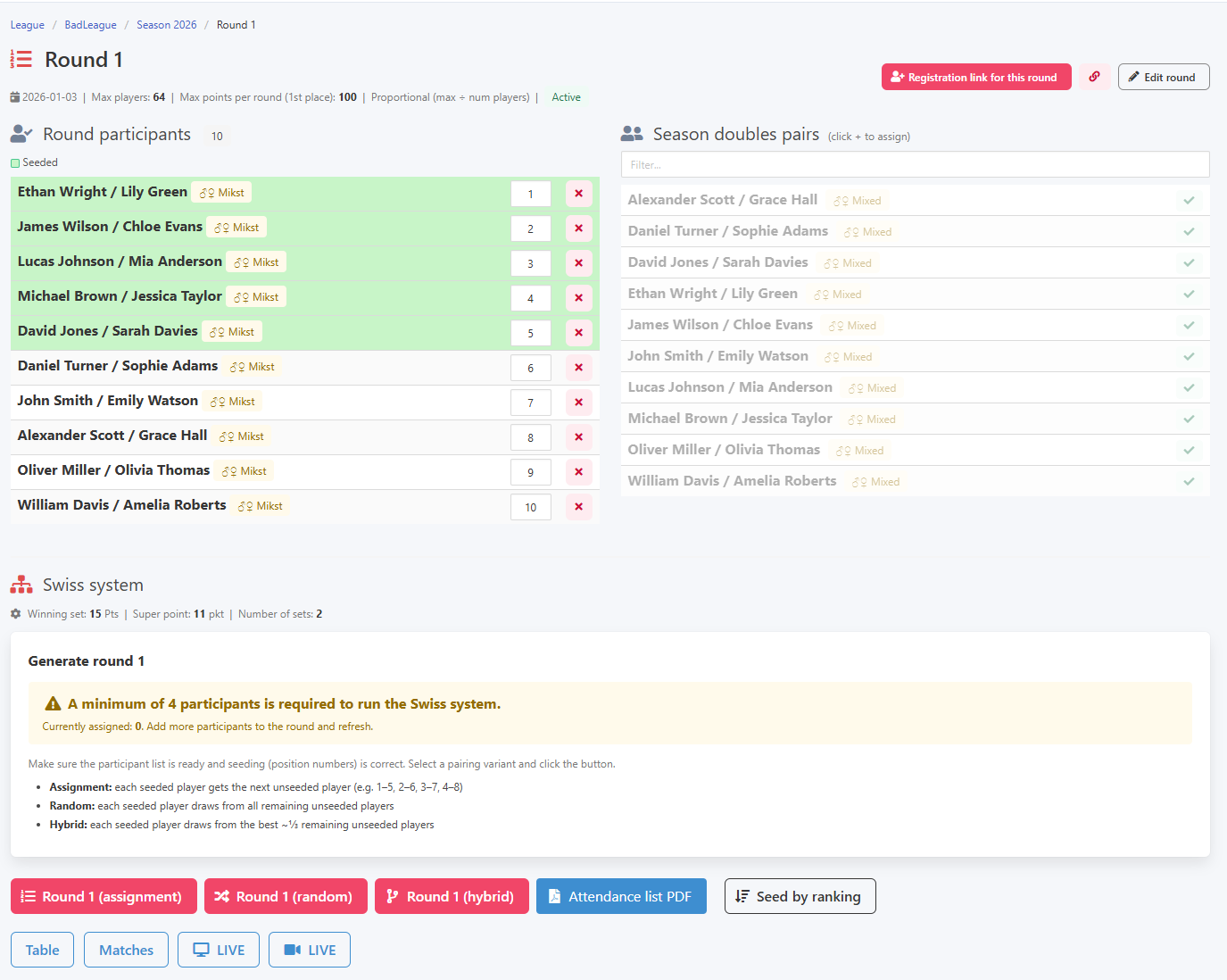
When you open a specific round and seasonal players are already in the system, adding them to the round is very easy. Just click the plus button next to the player or pair you want to include. You can also assign a seeding position at this point, which matters in the Swiss system when determining pairings for the first round.
Adding players to a round
Just like in tournaments, the league has an entry form available, and this is by far the preferred way to collect registrations. From the second round onwards, the form can become one of the most useful tools for any organiser.
Entry form
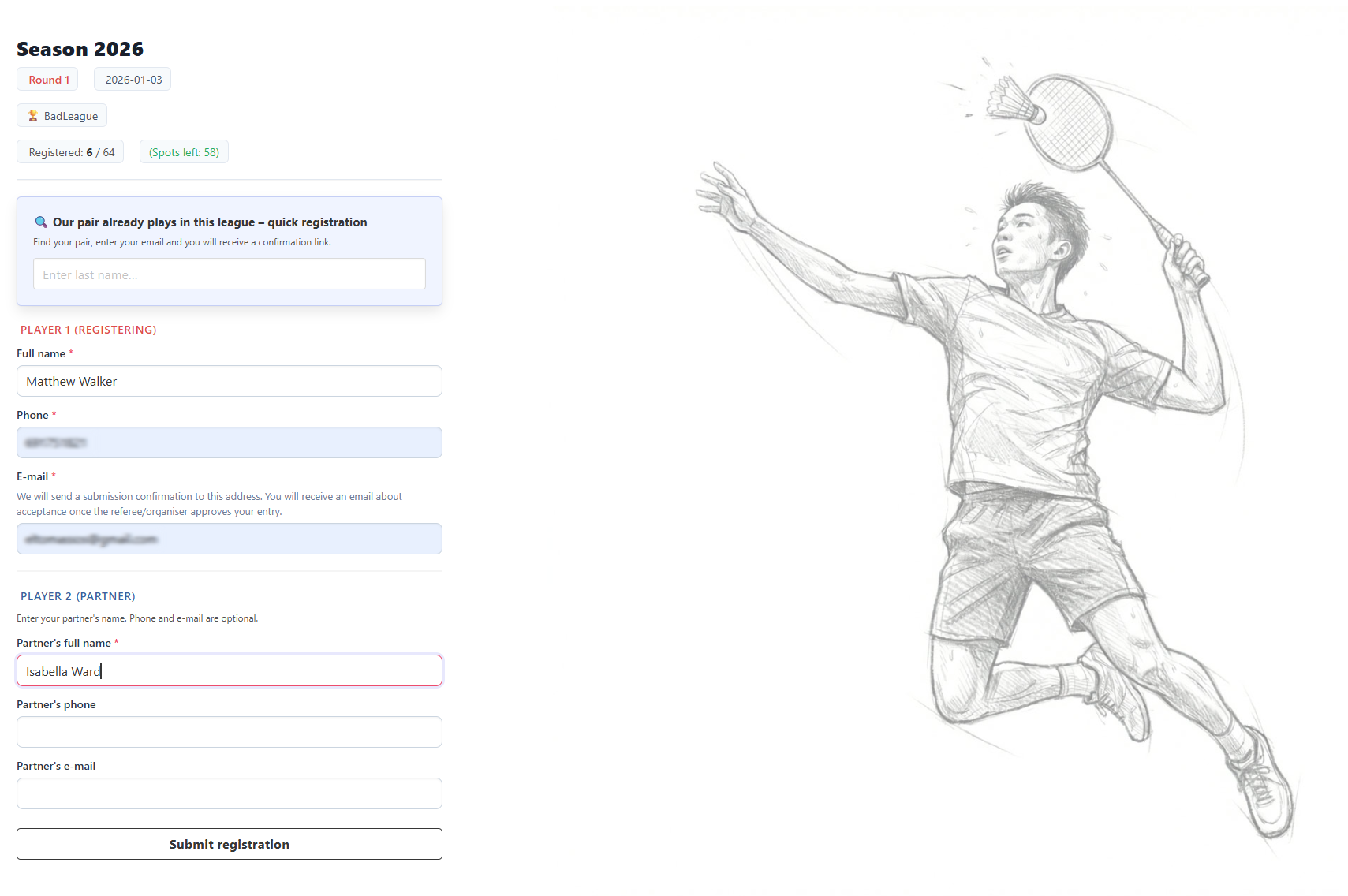
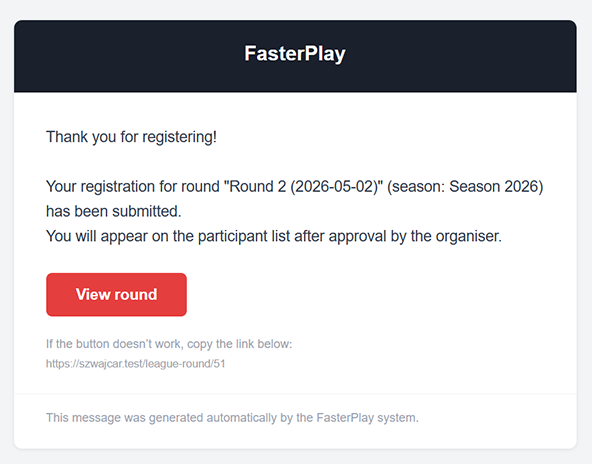
The registration process works a little differently from tournaments. For a first-time entry it is straightforward: players provide their details including an email address, and for doubles also the partner's details. After submitting the form, they receive a confirmation email letting them know the entry was received.
Email confirming entry received
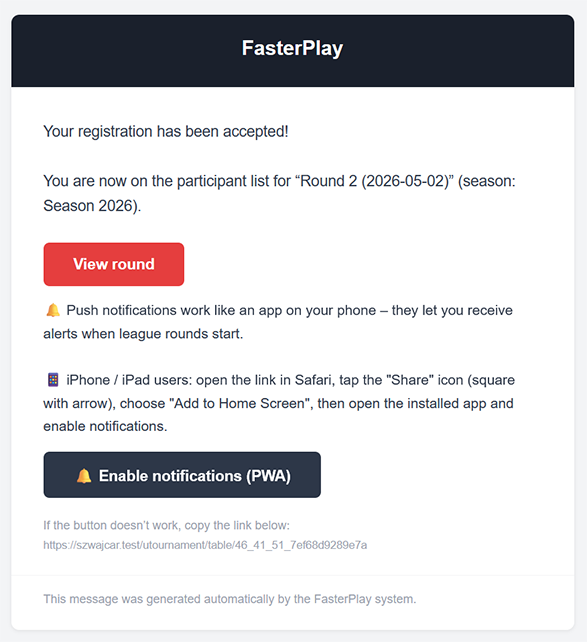
Once the organiser accepts the registration, both the player and the organiser receive an email with the relevant confirmation.
New registration and acceptance email

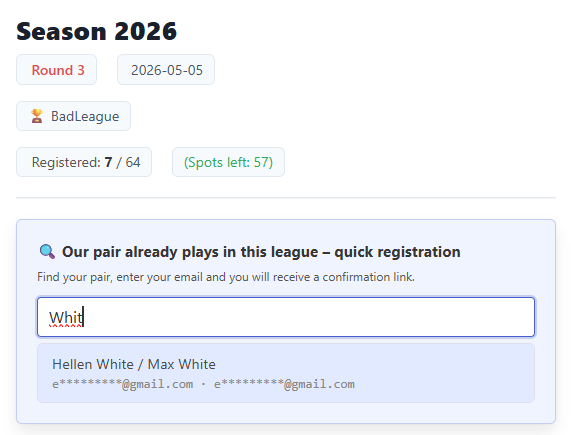
Things change considerably when signing up for the same league again. The player just needs to type part of their last name in the search field, find their record in the results, select it, and enter the email address they used when first signing up.
Returning player and email verification
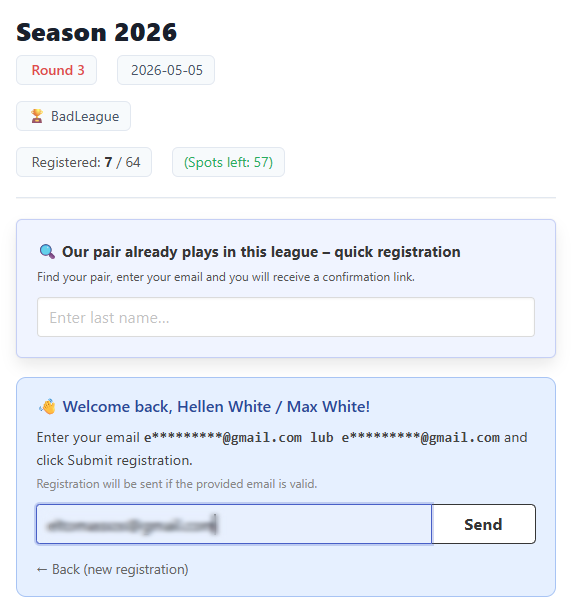
From this point, the process can follow the same path as a first-time registration, but it does not have to. If the organiser has enabled automatic registrations for returning players, they receive an email with a link to confirm their participation.
Email asking to confirm participation
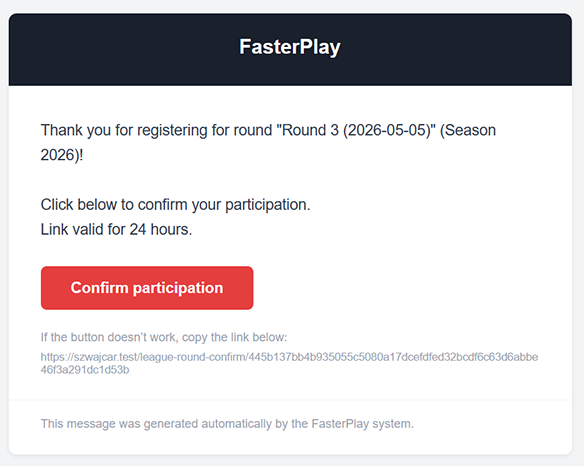
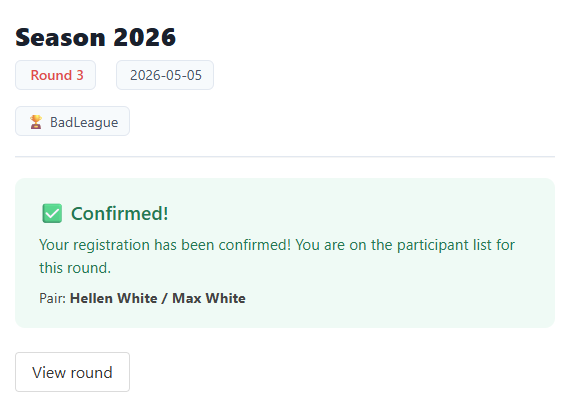
Clicking the link in the email confirms participation in the round.
Participation confirmed
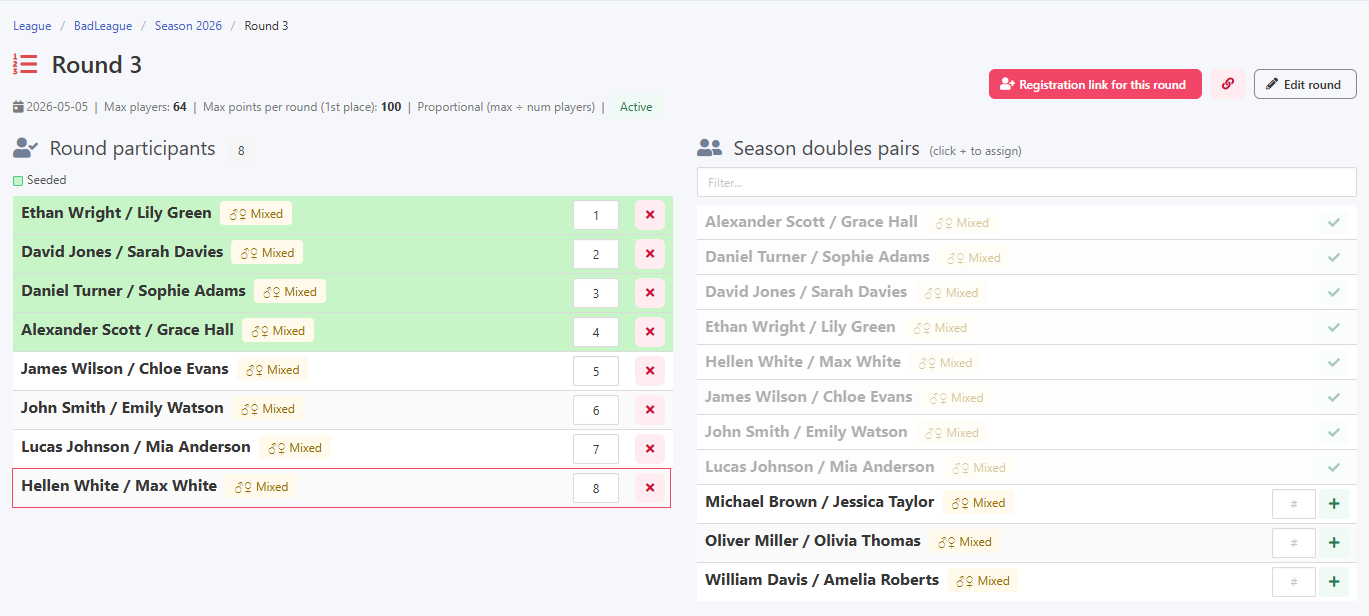
Once confirmed, the player automatically appears on the round's participant list with no further action needed from the organiser.
Automatically added to the round list
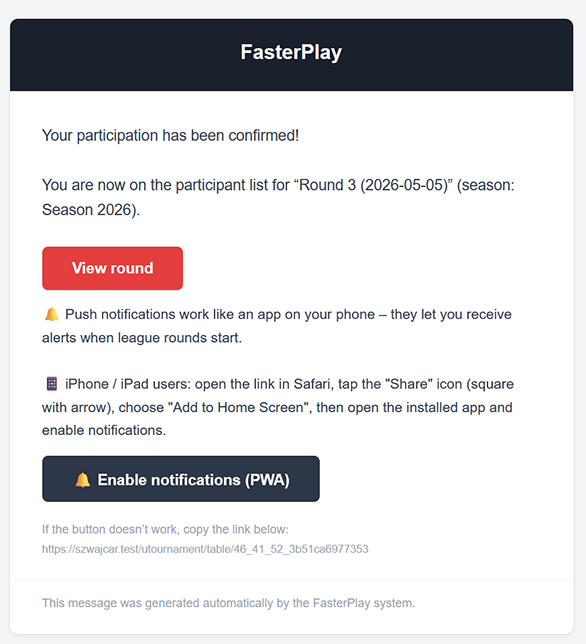
A final confirmation email is sent to let the player know the automatic registration went through.
Automatic acceptance confirmation email
Once all players or pairs have been correctly added to the round and seeding is in order, you can launch the first round.
Ready to start the first round
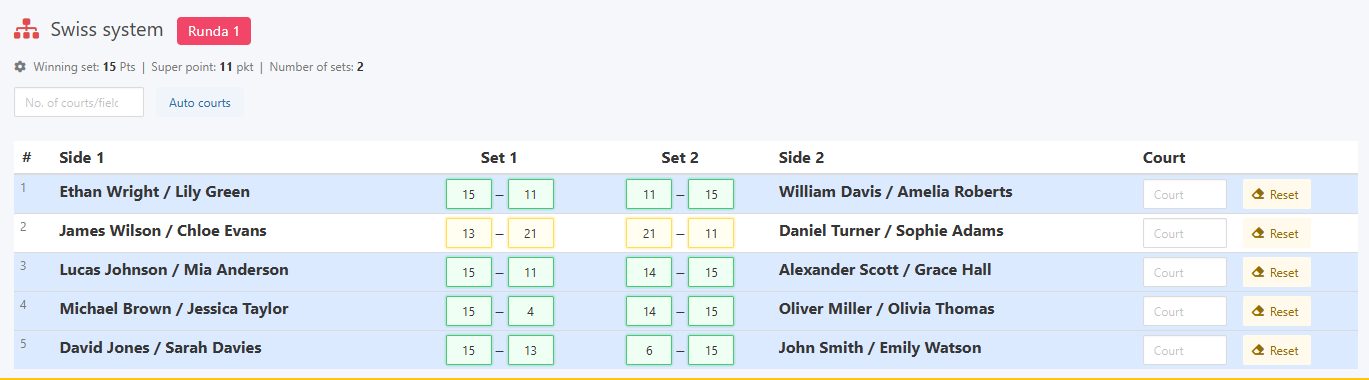
When entering results, just as in tournaments, live validation is active. This gives you greater confidence that the scores entered are correct, and any irregularities are flagged straight away.
Live validation during result entry
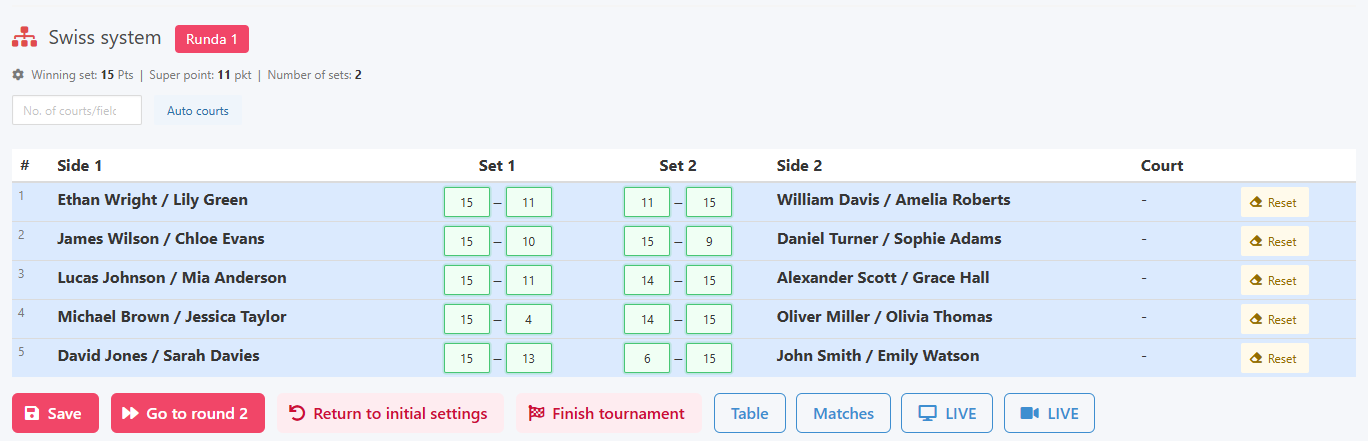
Once all results for the round have been entered, a button becomes active that lets you advance to the next round.
Ready to move to the next round
Players have access to live statistics through various channels, just as in tournaments: by email, QR code, or a direct link.
Results view for players
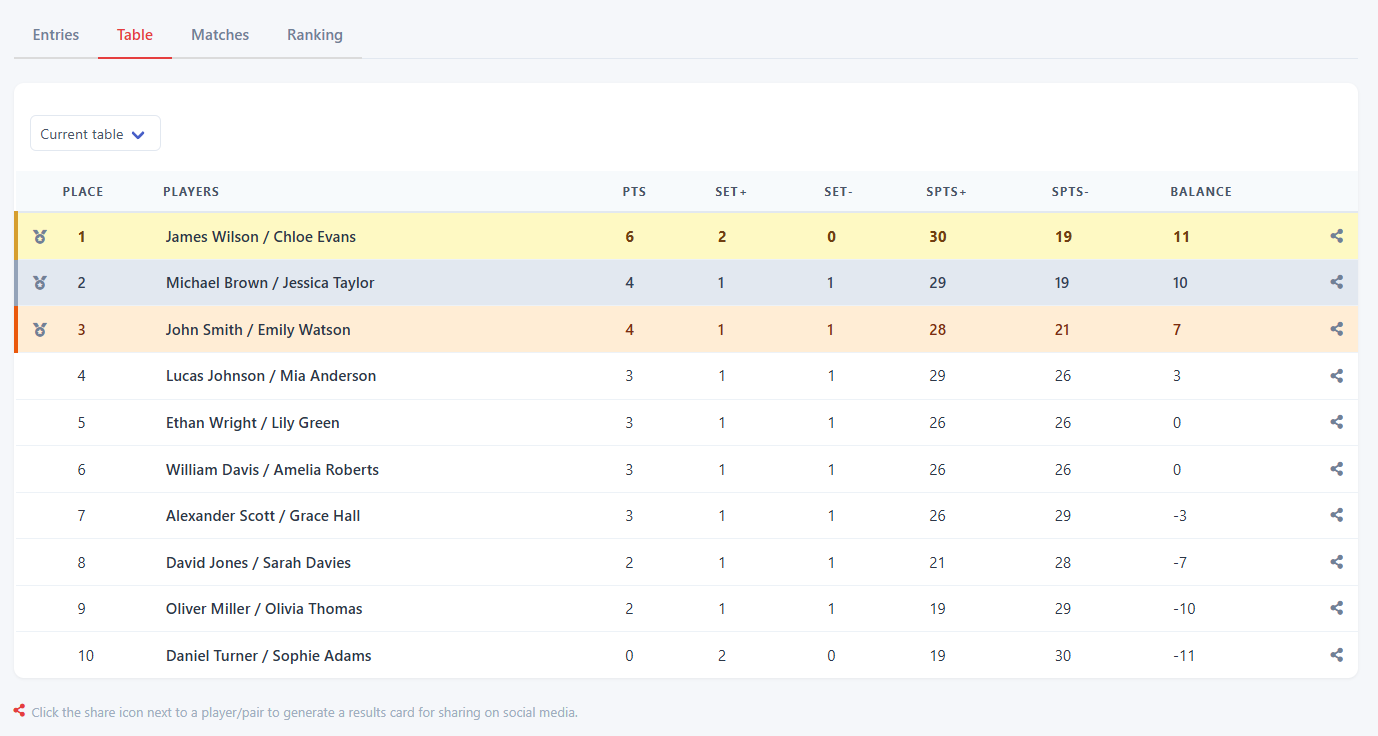
Once the tournament is finished, usually after several rounds (we recommend a minimum of 5), you can award ranking points according to the season settings.
Awarding ranking points
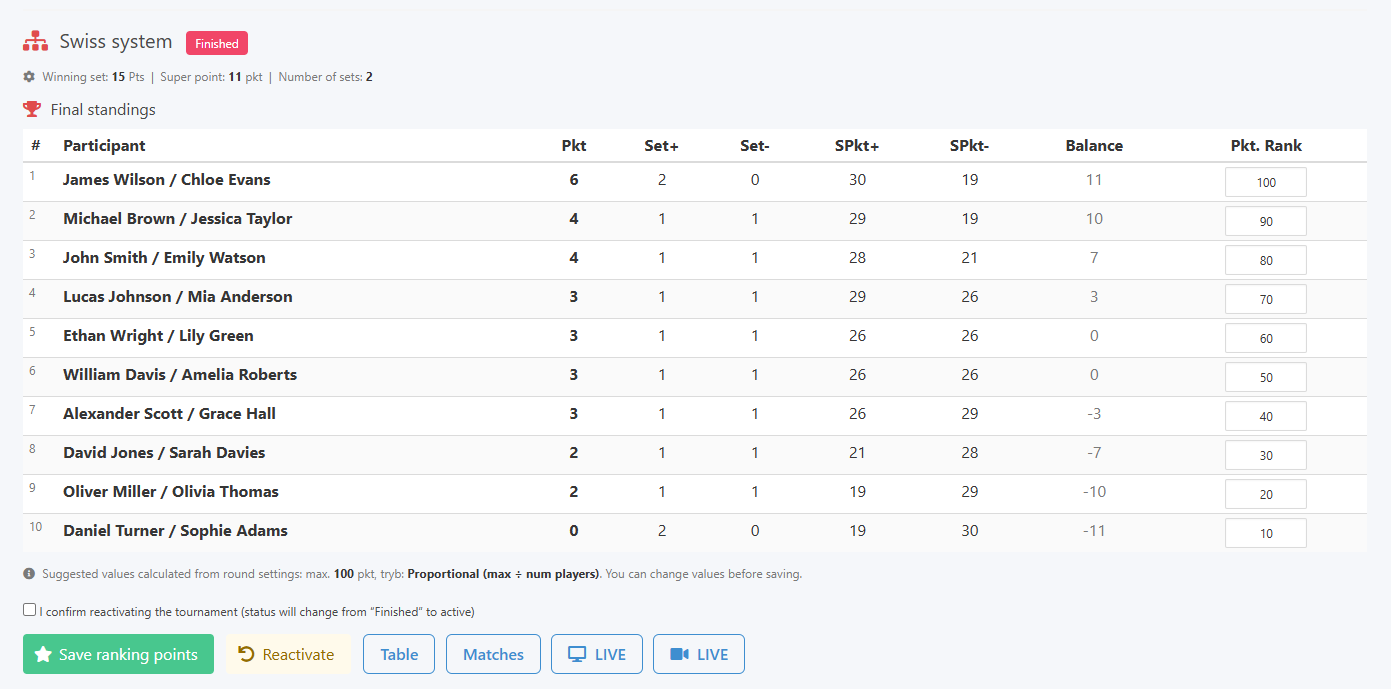
Going back to the season view, you will notice a new table showing the player rankings.
Season view with ranking
The whole concept of the league should be built around the best of mechanism set when creating the season. For example, you plan 6 rounds but want only the 4 best results to count toward the overall standings. In that case, set best of to 4 in the season settings. The example below, taken after 5 rounds, shows a case where the second pair has a higher total point count, yet in the top 4 out of 5 results comparison, the pair with Hellen White comes out on top.
Best of mechanism in practice