Notification system
Push notifications for participants about upcoming matches and organizer announcements. Activated without installing an app, directly from an email link.
In fasterplay, the notification system is available in both tournaments and leagues. It is built on PWA (Progressive Web App) technology, which means notifications arrive directly on your phone or tablet, without needing to install a separate app.
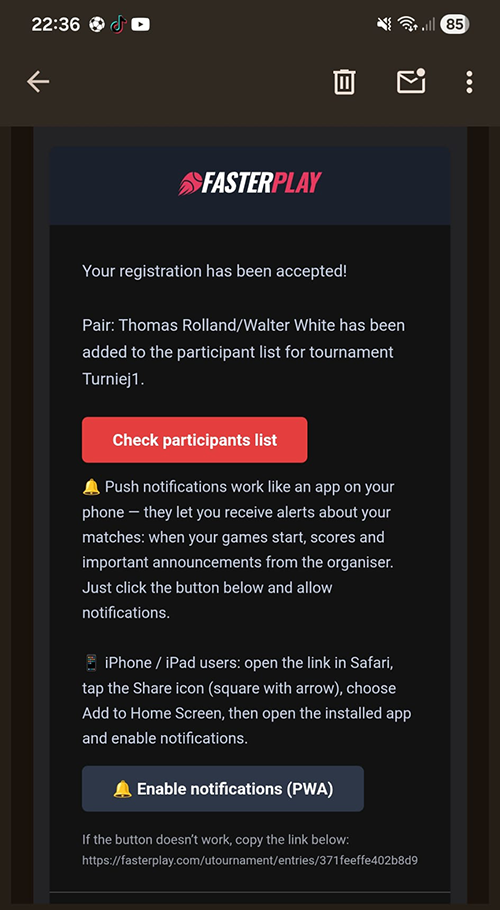
Once the organizer accepts your registration, a message is sent to the email address you provided, containing a link to activate notifications. Just click it and follow the steps shown on screen.
One thing worth keeping in mind: activate notifications on the device you plan to use during the tournament or league match. Doing it on a home computer or laptop makes little sense if you won't have it at the venue. The best approach is to activate them straight away on the phone or tablet you'll be taking to the court.
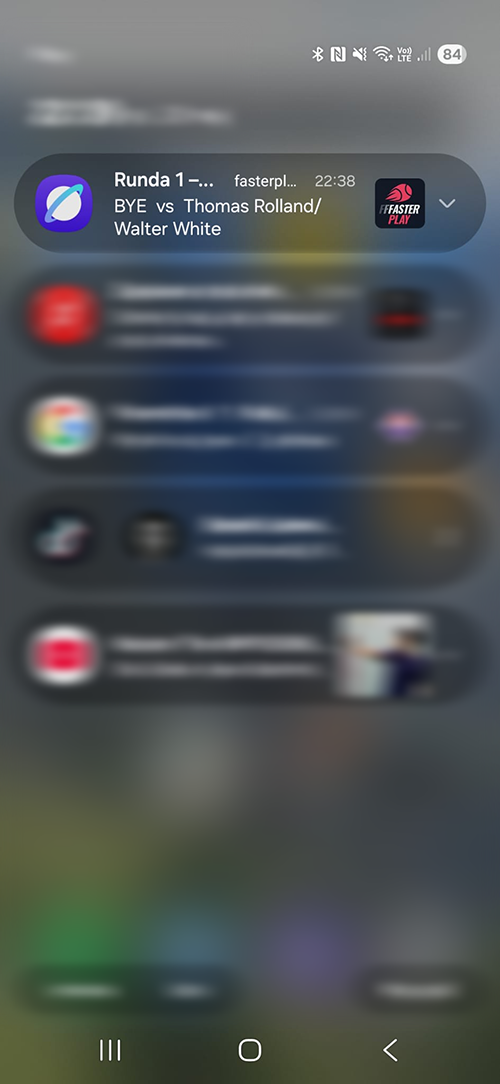
On match day, the system sends notifications about upcoming matches and any important announcements from the organizer. This can be genuinely useful, especially at events spread across multiple courts, where keeping track of the schedule without constantly checking the results page is tricky.
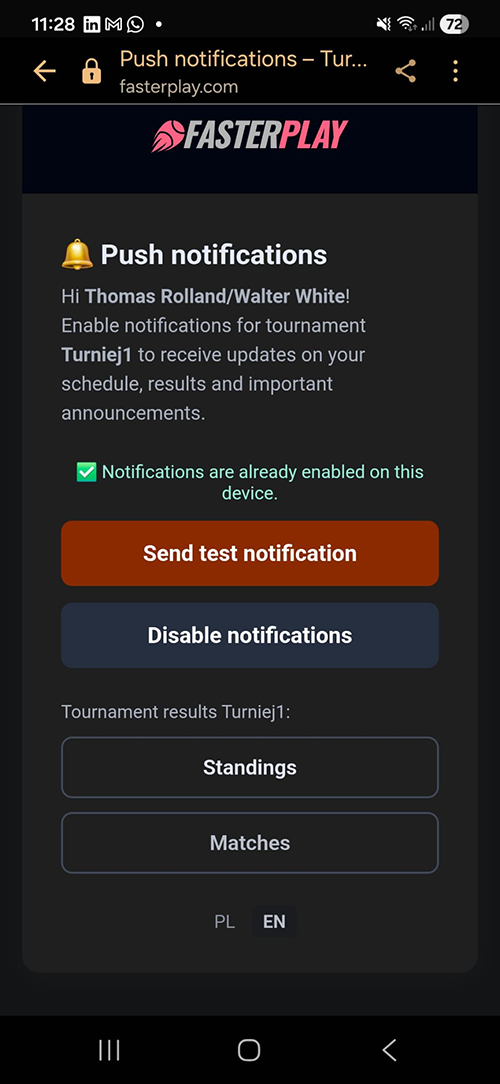
Tapping on a notification takes you to the main notifications page. From there, you can turn notifications on or off, and you'll also find direct links to the tournament or league statistics page.
Activating notifications
Notification example