Americano league
A complete guide to running league competitions in the Americano format: creating seasons, managing rounds, entry forms and rankings.
An Americano league is a league format built on the Americano scoring system. Instead of counting set wins, every pair accumulates points scored during each match, and the total across rounds determines the final standings. Since individual matches are relatively short, you can fit a large number of games into a single session.
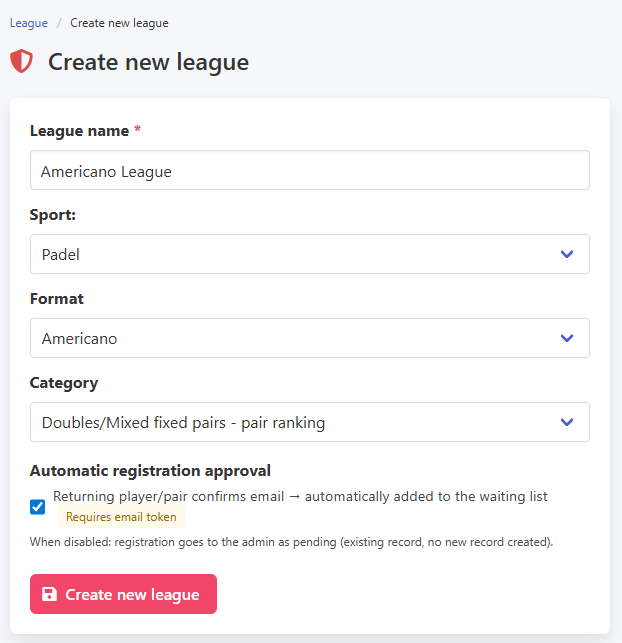
Creating the league follows the same process as other formats: go to the League menu and select Create a new league. Enter the name, choose the sport, select Americano as the format, and set the competition category. The returning players option is available here as well and is covered in more detail further on.
Creating an Americano league
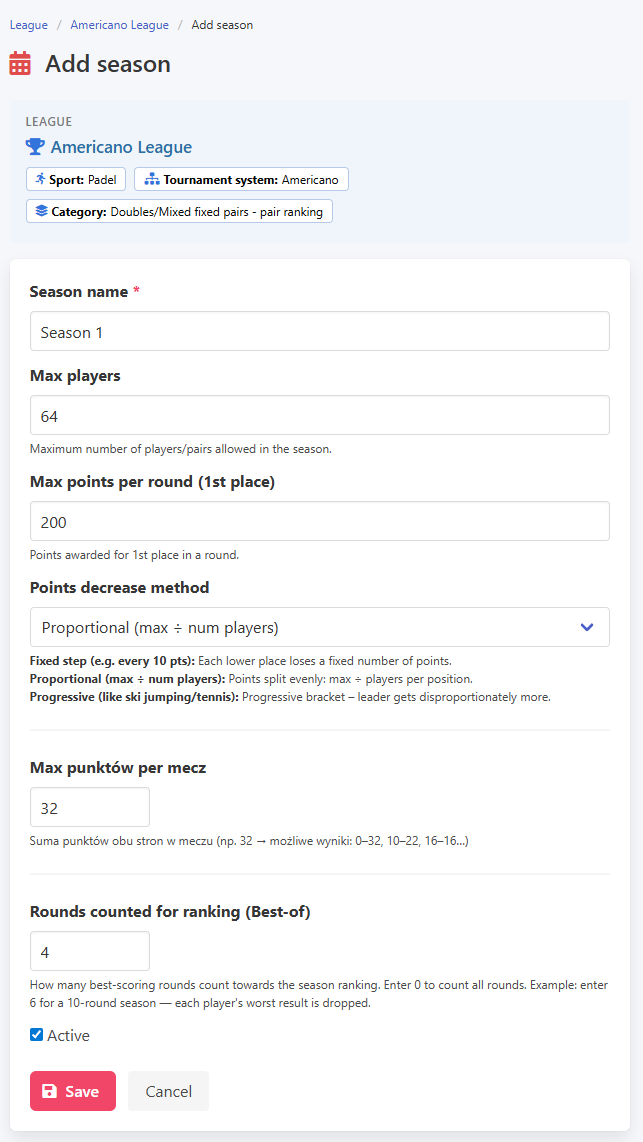
When setting up the season, the key parameter to configure is the number of points played to in each match. The sum of both sides' scores must always equal this value, which makes every single point count. As in other league types, you also set up the best of mechanism and the ranking point formula here.
Creating a season
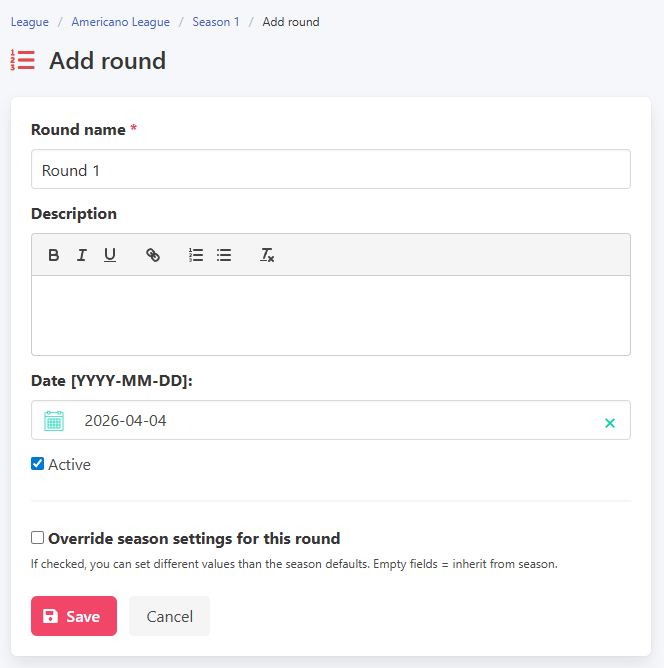
Adding a round works the same way as in any other format: enter a name and a date. Individual round settings can override the season defaults if needed, for example to change the match point limit for that round.
Adding a round
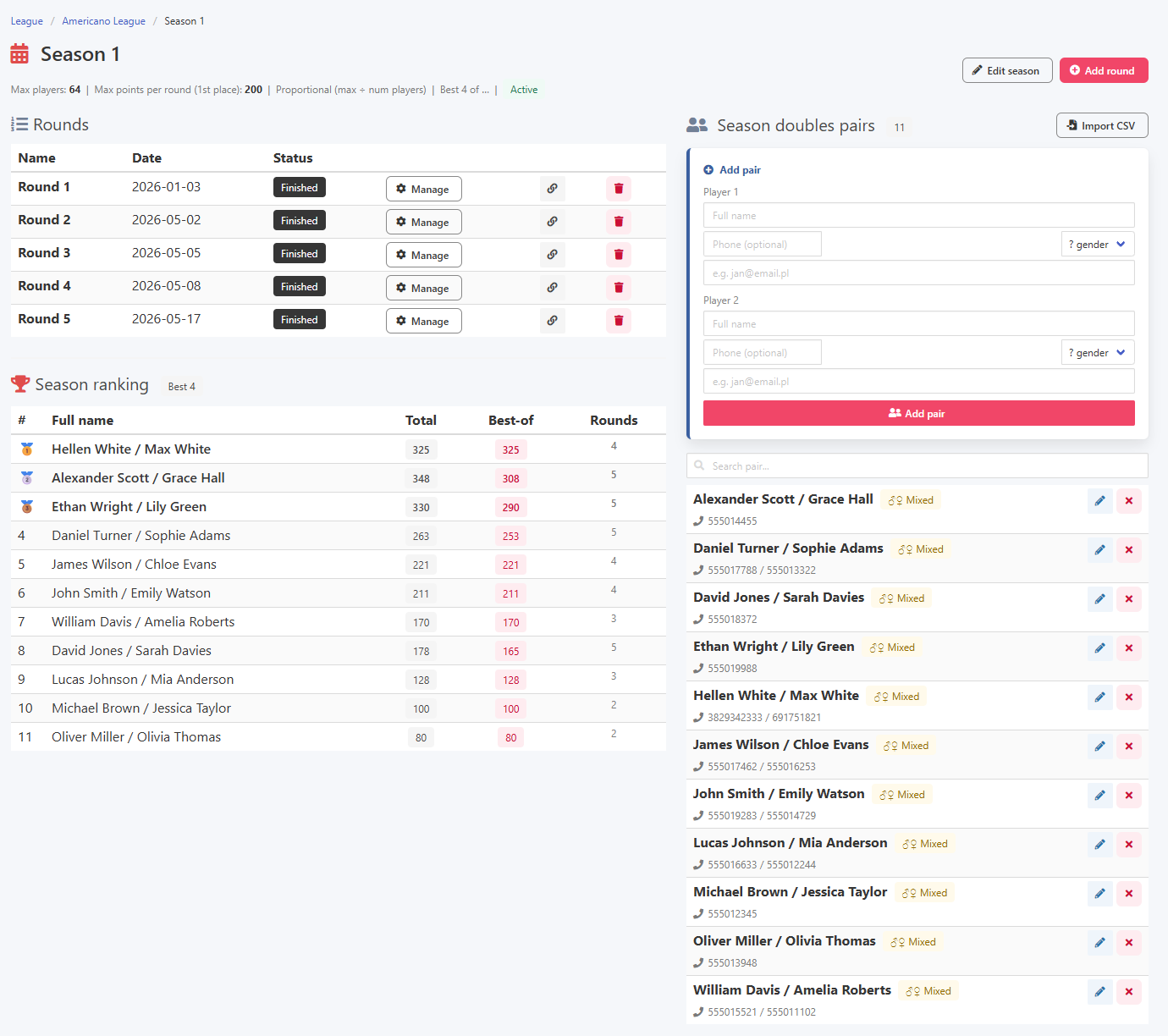
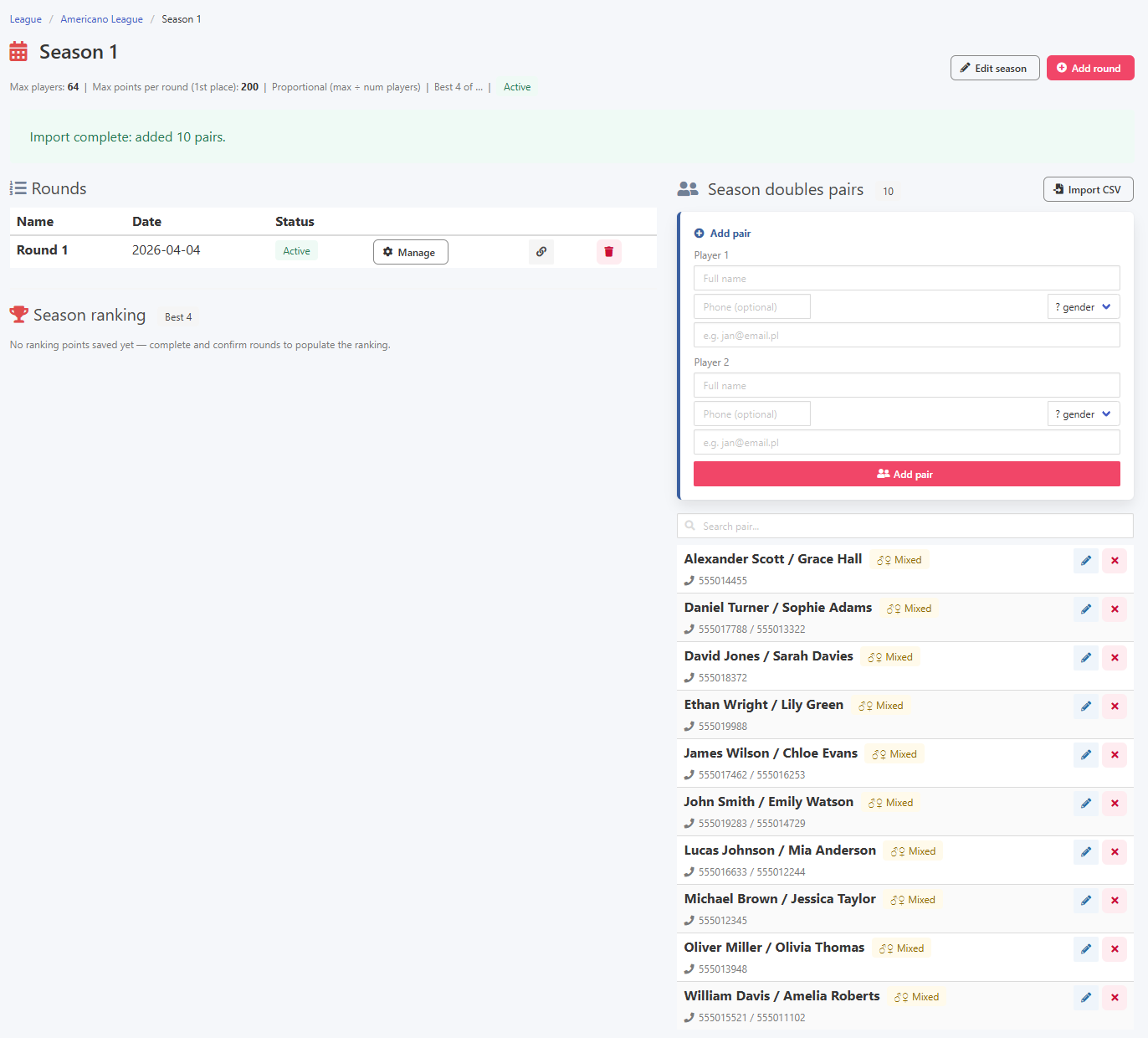
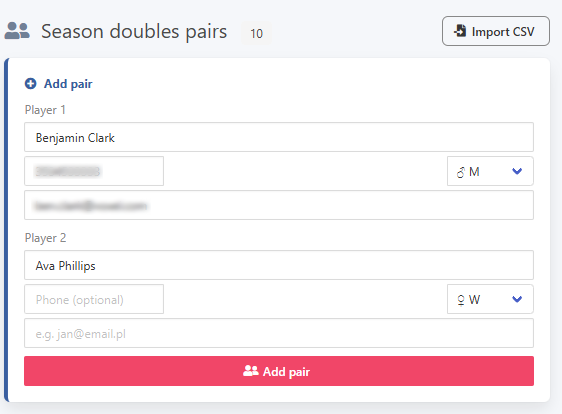
The season view is split into three sections: available rounds, the ranking, and the list of seasonal players. New participants can be added to the season directly from this view.
Season view and adding a seasonal player
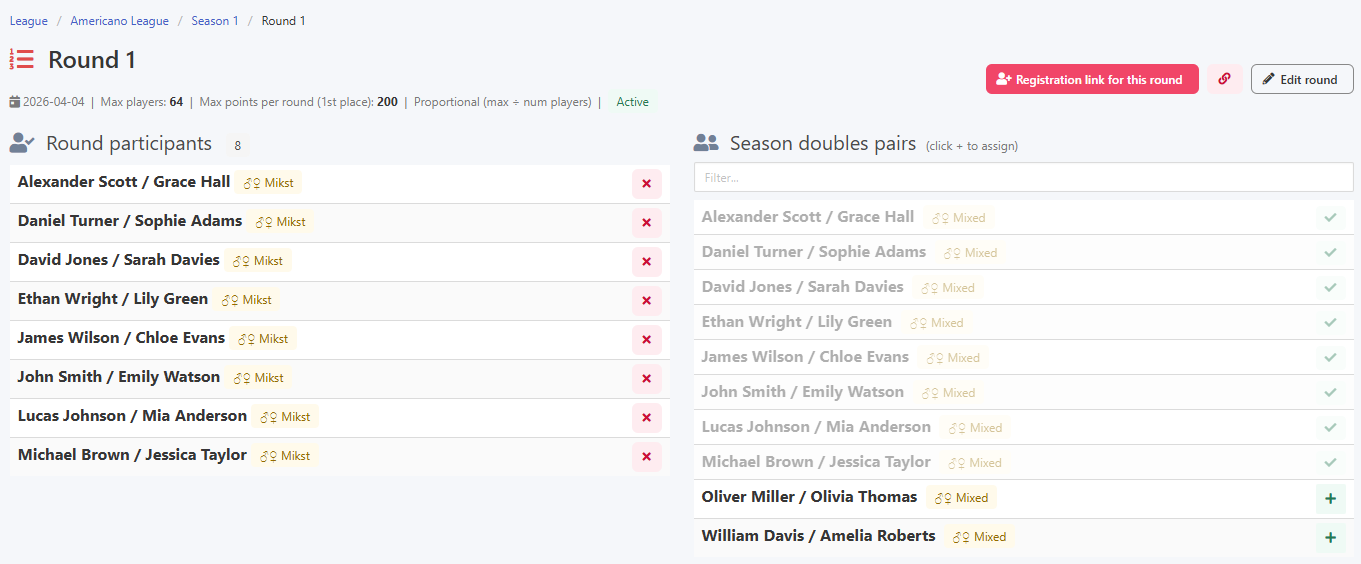
Adding seasonal players to a round is as simple as clicking the plus button next to the player or pair. In Americano, pairings in the first round are drawn randomly, so seeding does not carry the same importance as in the Swiss system.
Adding players to a round
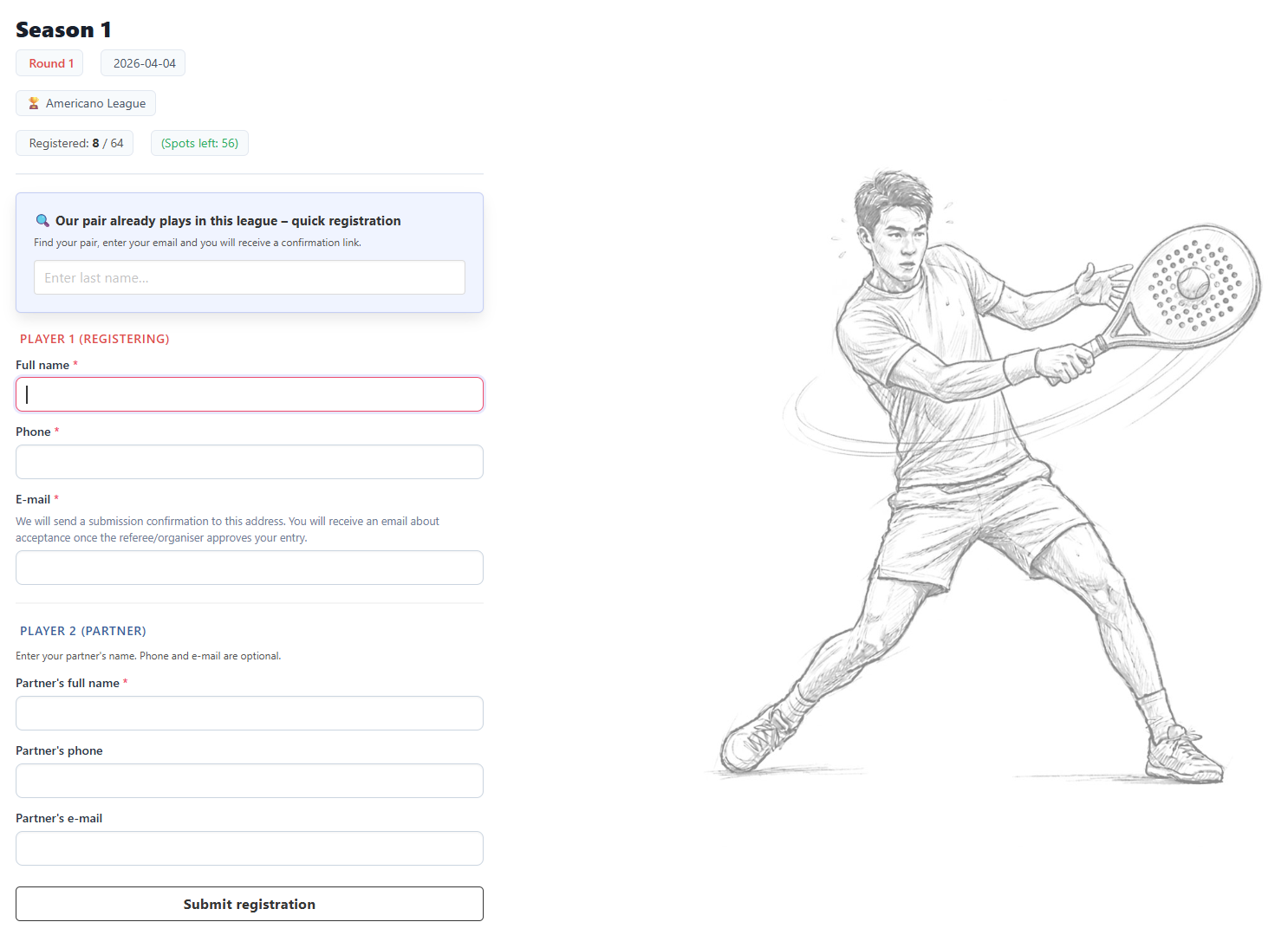
An entry form is available, just as in tournaments, and is the recommended way to collect registrations, especially from the second round onwards.
Entry form
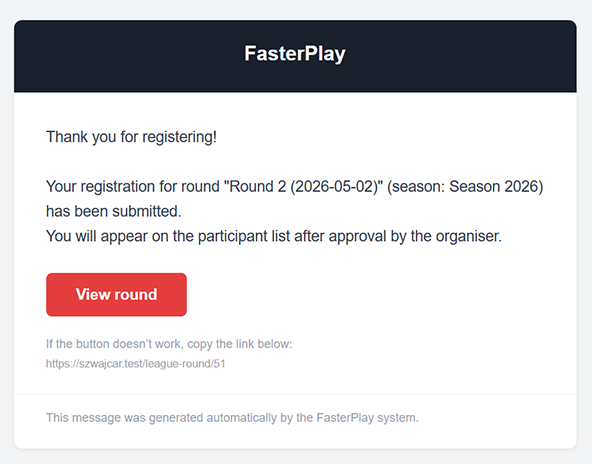
For a first-time registration, players provide their details including an email address, and for doubles also the partner's information. A confirmation email is sent once the form has been submitted.
Email confirming entry received
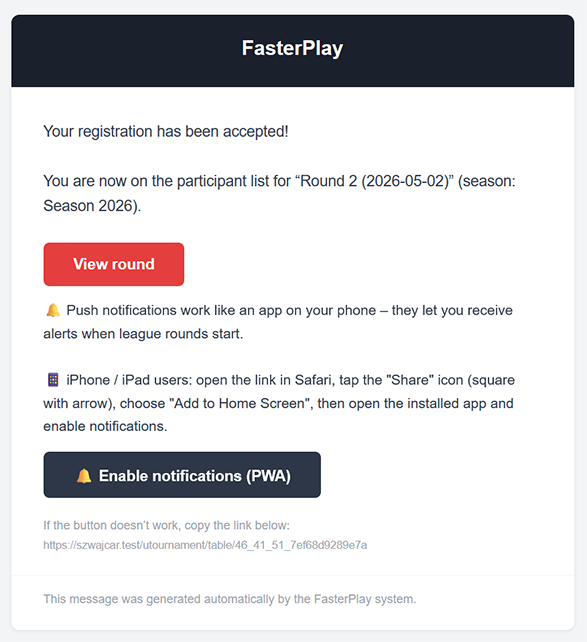
Once the organiser accepts the registration, both the player and the organiser receive a confirmation email.
New registration and acceptance email

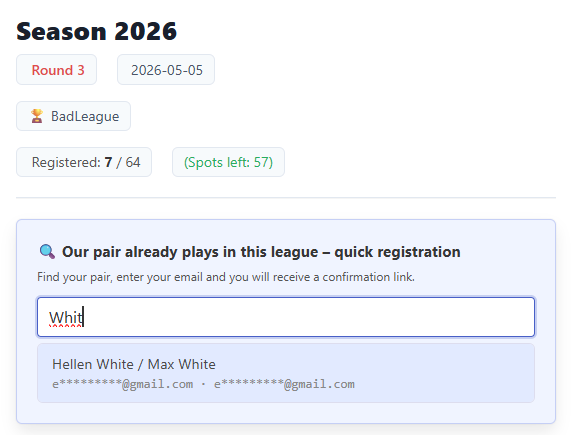
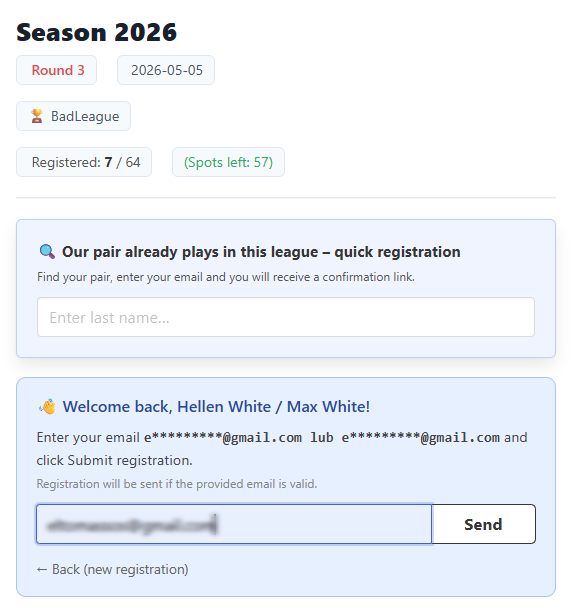
Returning players can search for their record by typing part of their name, select it from the results, and confirm with the email they used when first signing up. This is much faster than filling in all the details from scratch.
Returning player and email verification
If the organiser has enabled automatic registrations for returning players, they receive an email with a participation confirmation link rather than waiting for a manual approval.
Email asking to confirm participation
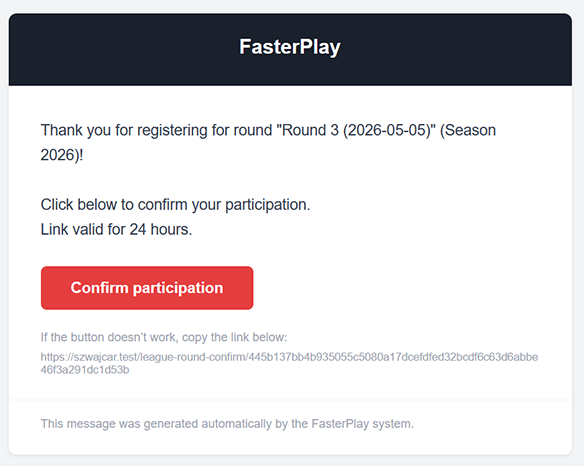
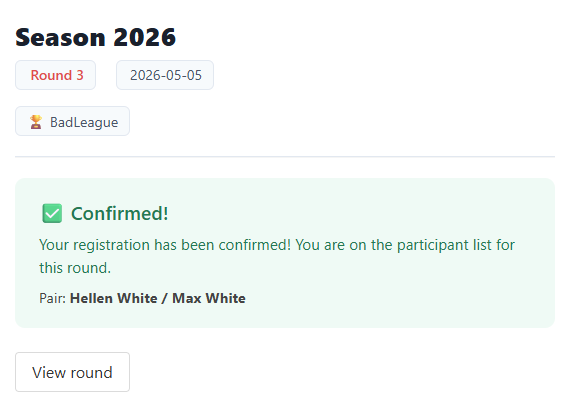
Clicking the link in the email confirms participation in that round.
Participation confirmed
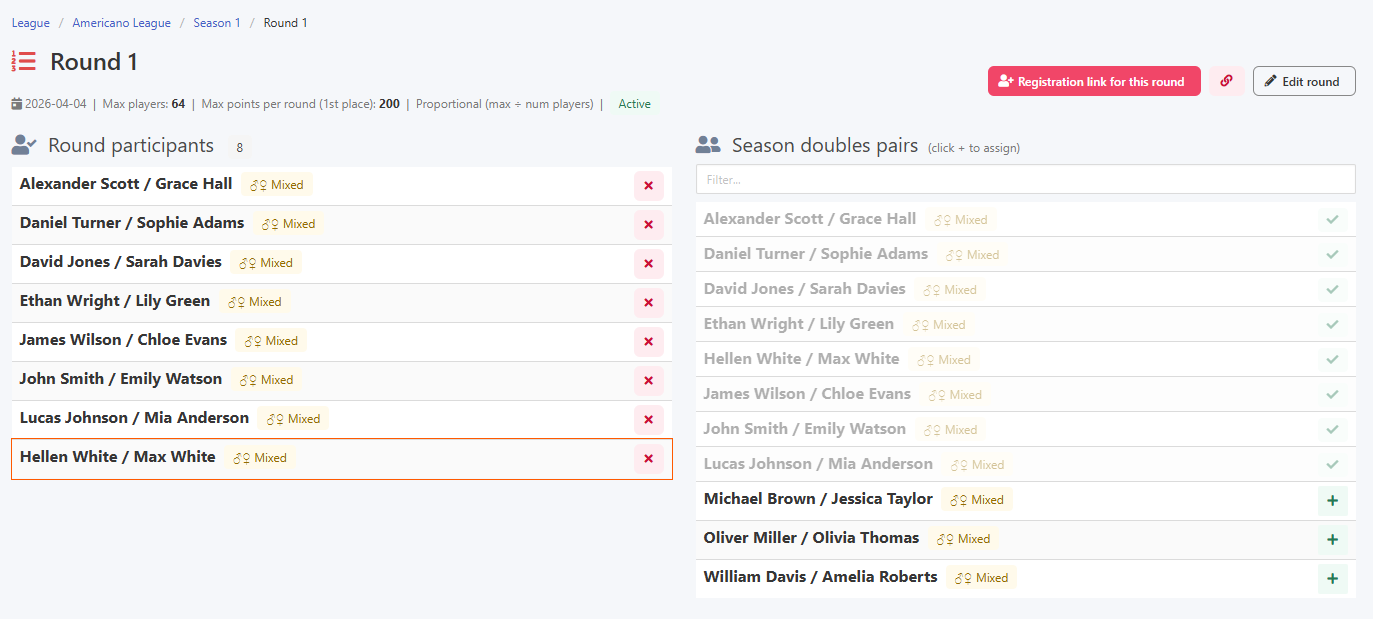
Once confirmed, the player automatically appears on the round's participant list.
Automatically added to the round list
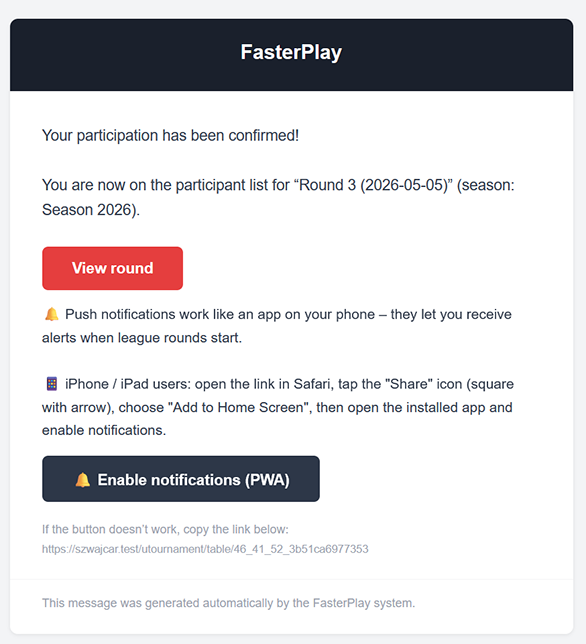
A confirmation email notifies the player that the automatic registration went through.
Automatic acceptance confirmation email
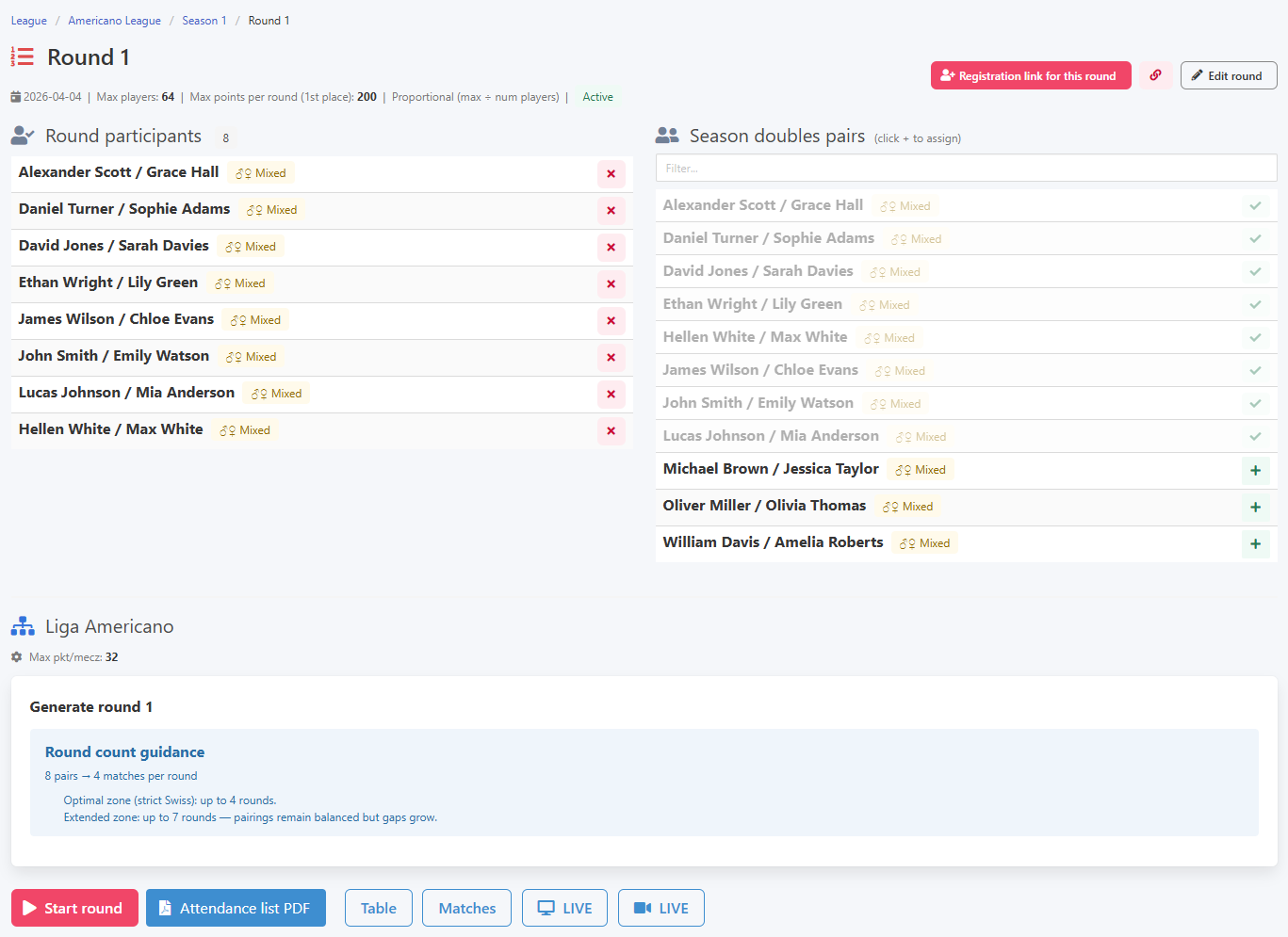
Once the participant list is ready, you can launch the first round.
Ready to start the first round
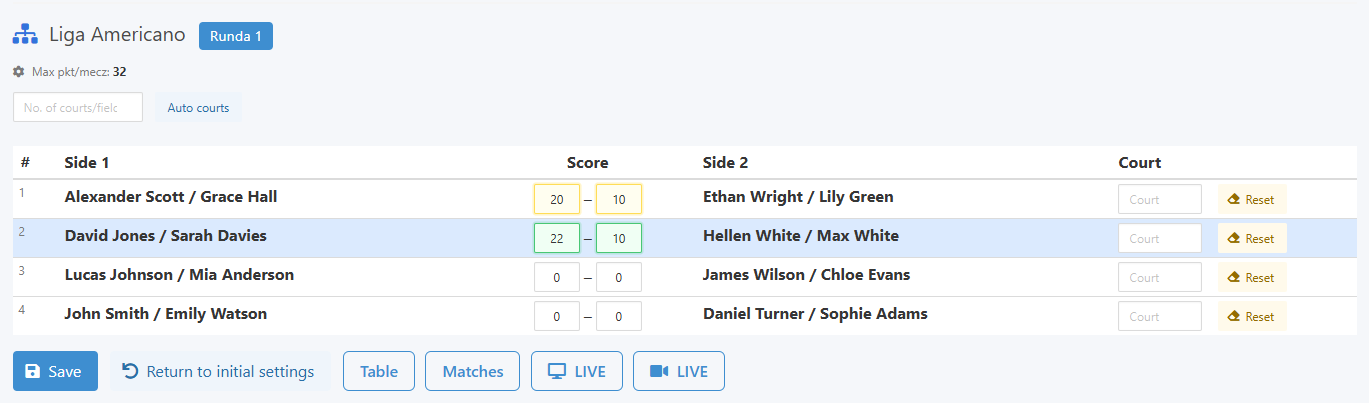
Results are entered as two numbers whose sum must equal the match point limit. With a limit of 24, valid scores might be 18:6 or 15:9. The system validates each entry in real time and immediately flags any discrepancy.
Entering results and live validation
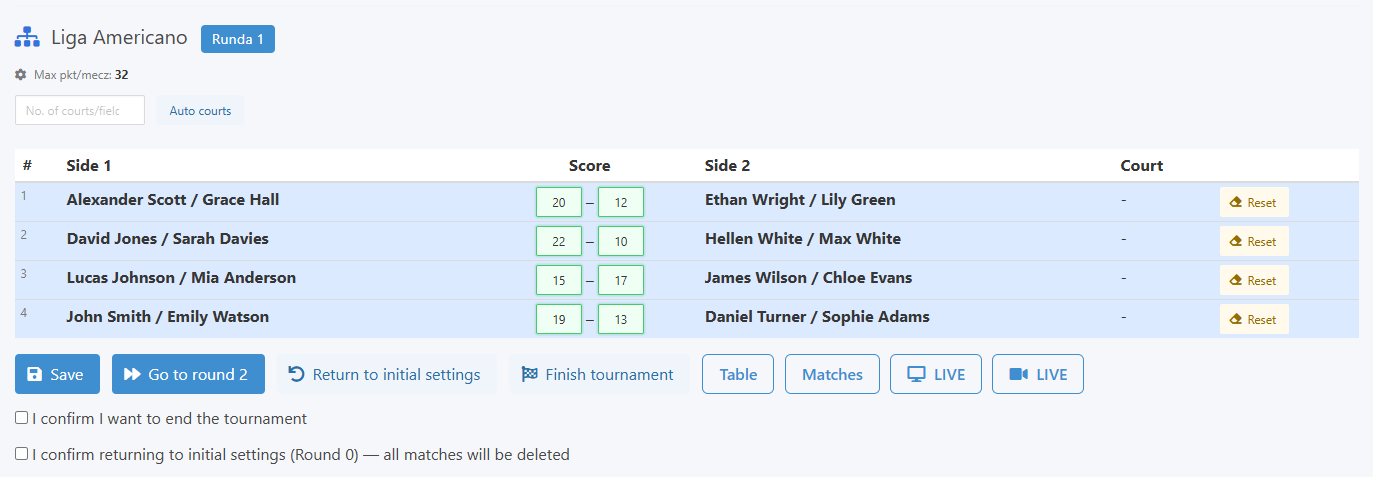
Once all match results for the round are entered, the button to advance to the next round becomes active.
Ready to move to the next round
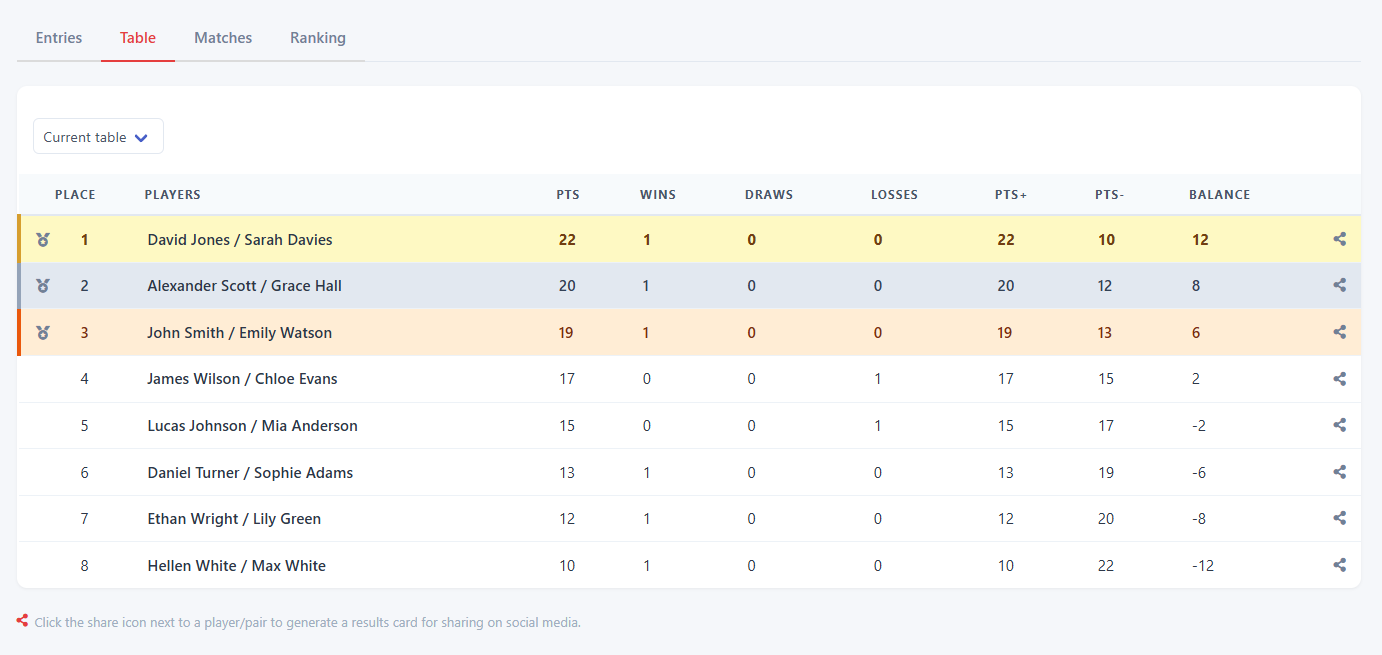
Players can access live statistics through email, QR code, or a direct link.
Results view for players
Once the tournament wraps up, ranking points are awarded according to the season settings.
Awarding ranking points
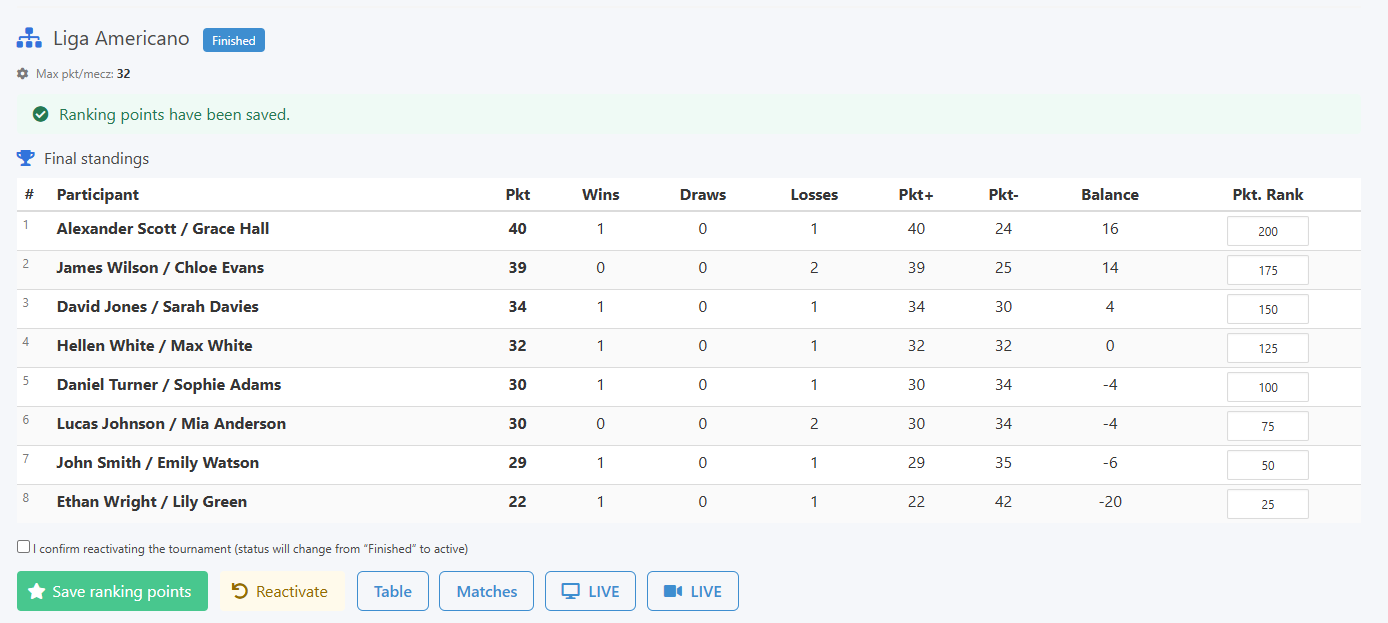
The season view then shows the updated player ranking table.
Season view with ranking
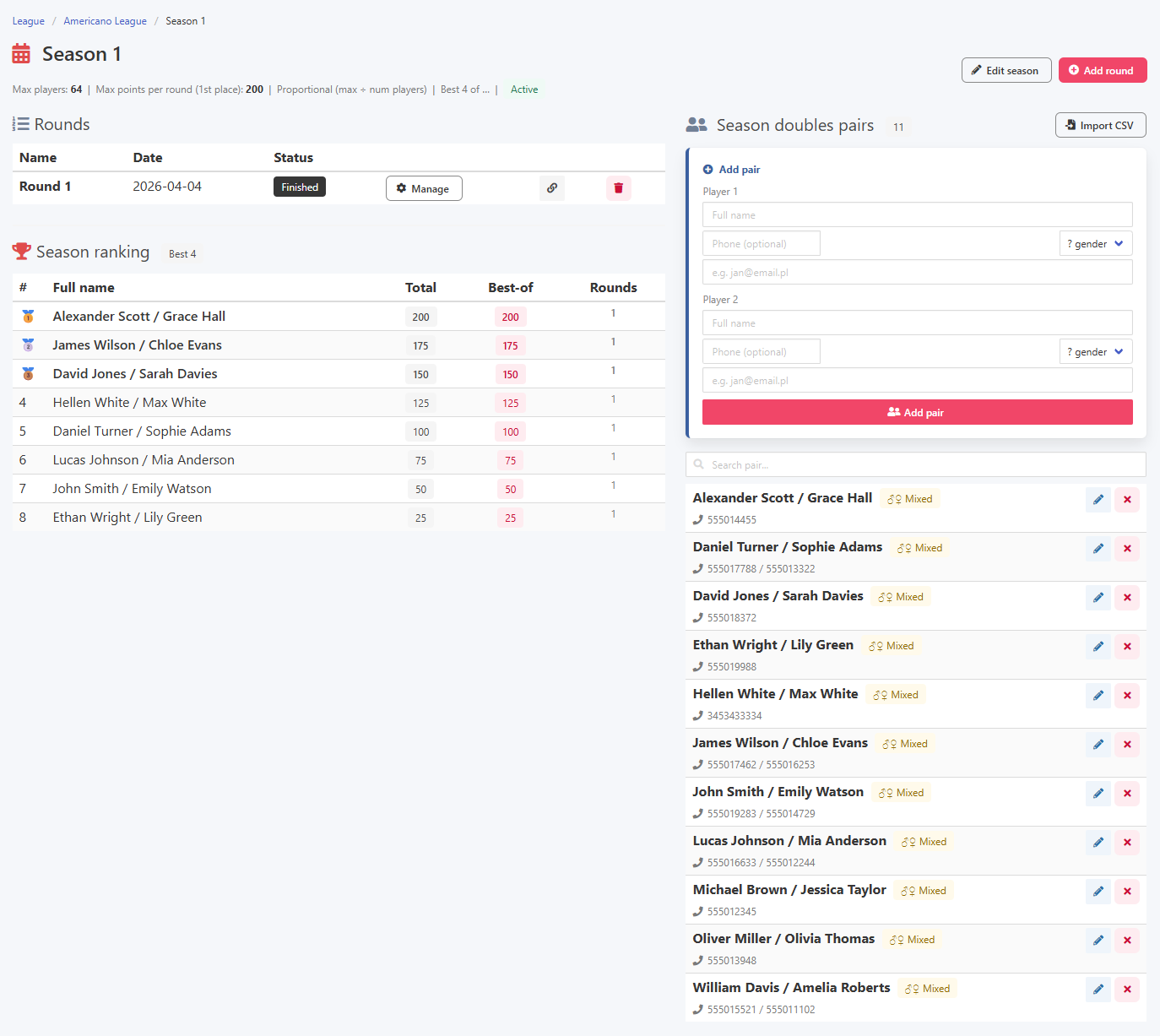
The best of mechanism works the same as in other league formats. If you plan 6 rounds but want only the 4 best results to count toward the overall standings, set best of to 4 in the season settings. In practice this gives each player room to miss a round or two without it costing them their ranking position.
Best of mechanism in practice